
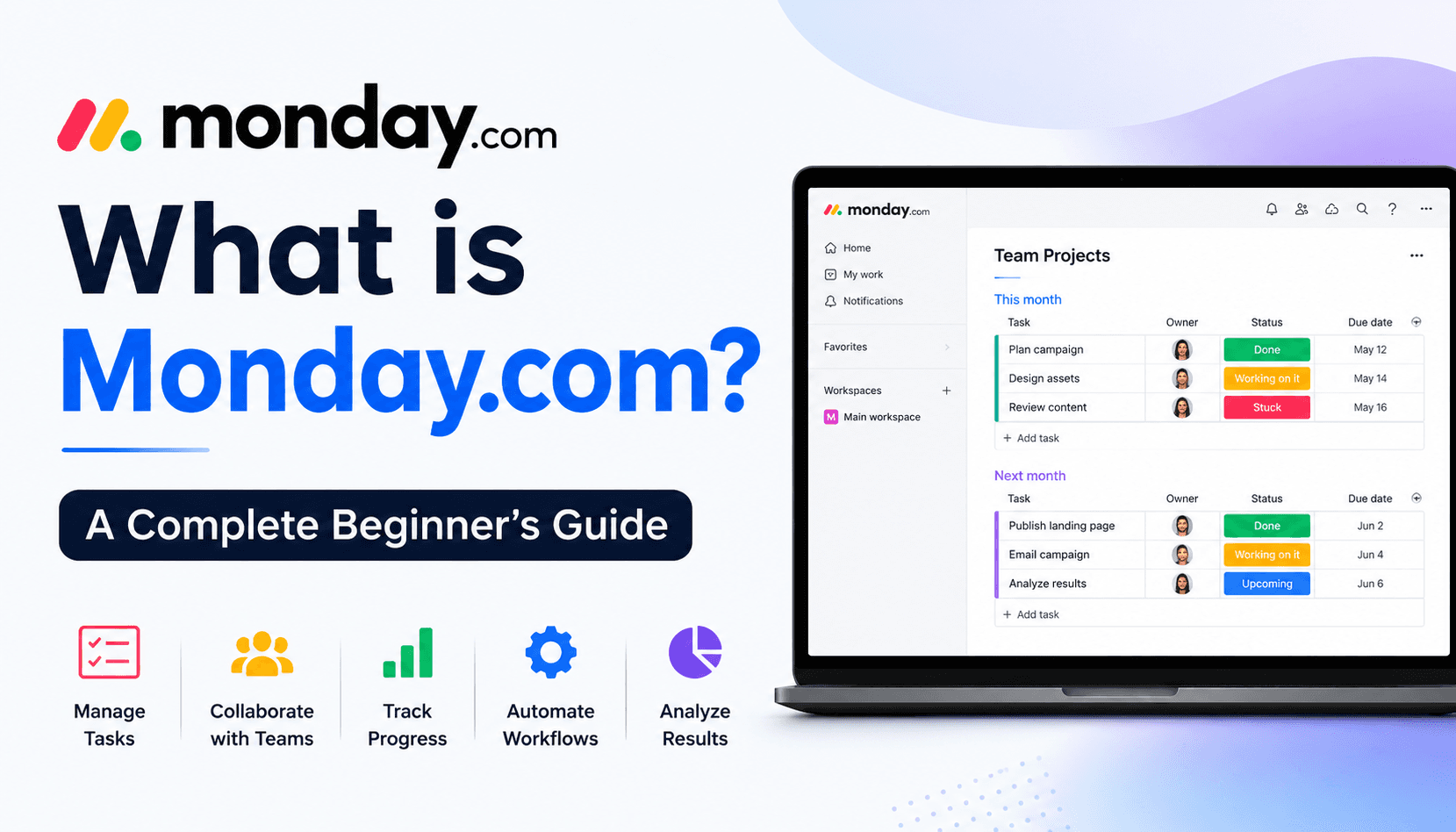
What is Monday com
Feb 06 2026
Managing projects shouldn't feel like managing chaos. Yet many teams still rely on endless spreadsheets, email threads, sticky notes, and disconnected apps to keep work moving. The result? Missed deadlines, poor communication, and unnecessary stress.
That's where monday.com comes in.
Whether you're a freelancer organizing client work, a startup managing product launches, or a growing business coordinating multiple departments, monday.com provides a centralized workspace where everyone can collaborate, track progress, and stay aligned.
But if you've never used project management software before, you might be wondering:
What exactly is monday.com?
Is it difficult to use?
What can it actually do?
Is it worth paying for?
This beginner-friendly guide answers all those questions and more. By the end, you'll have a clear understanding of how monday.com works, its key features, pricing, and whether it's the right solution for your workflow.
What is Monday.com?
Monday.com is a cloud-based Work Operating System (Work OS) designed to help individuals and teams plan, organize, track, and automate work.
Unlike traditional project management software that follows rigid structures, monday.com lets you create workflows that fit your business. You can customize nearly every aspect of the platform, from task boards and dashboards to automations and reports.
Think of it as a digital workspace where you can manage everything from simple to-do lists to large-scale business operations, all in one place.
Today, businesses across industries use monday.com for:
Project management
Marketing campaigns
Sales CRM
HR processes
Software development
Customer support
Event planning
Inventory tracking
Recruitment
Daily task management
Instead of juggling multiple tools, teams can manage everything within a single platform.
Explore monday.com and simplify the way you manage projects
Why Has Monday.com Become So Popular?
There are dozens of project management tools available today, but monday.com has gained a strong reputation because it balances simplicity with powerful functionality.
Here are a few reasons why businesses choose it:
Easy to Learn
Even if you've never used project management software before, monday.com's drag-and-drop interface makes it easy to get started.
Highly Customizable
Every team works differently. monday.com lets you build workflows that match your processes instead of forcing you into predefined templates.
Visual Organization
Color-coded statuses, timelines, calendars, Kanban boards, and dashboards make it easy to understand project progress at a glance.
Automation
Routine tasks like reminders, status updates, and notifications can be automated, saving valuable time.
Scalability
Whether you're a solo freelancer or a company with hundreds of employees, monday.com can grow alongside your business.
How Does Monday.com Work?
At its core, monday.com organizes work using a simple hierarchy.
Component | Purpose |
Workspace | Organizes teams or departments |
Board | Holds projects or workflows |
Groups | Categorize tasks |
Items | Individual tasks or projects |
Subitems | Break tasks into smaller steps |
For example:
Workspace: Marketing
Board: Content Calendar
Groups:
Blog Posts
Social Media
Email Campaigns
Items:
Write Product Review
Publish Newsletter
Schedule Instagram Post
Each task can include:
Assigned team member
Due date
Priority
Files
Comments
Status
Budget
Time tracking
Everything updates in real time, ensuring everyone stays informed.
Compare monday.com plans to find the perfect fit for your team.
Top Features Every Beginner Should Know
1. Customizable Boards
Boards are where your work lives.
Unlike spreadsheets, boards are interactive and can be customized with columns such as:
Status
Timeline
Owner
Budget
Numbers
Text
Dropdowns
Checkboxes
Progress bars
File uploads
This flexibility makes monday.com suitable for virtually any workflow.
2. Multiple Views
One project can be viewed in several different ways.
Available views include:
Table View
Kanban Board
Calendar
Timeline
Gantt Chart
Workload View
Map View
Dashboard
For example, a project manager may prefer Gantt charts while a marketing team works better with calendar views.
Everyone can view the same data in the format that works best for them.
3. Task Management
Every project consists of tasks.
Each task can include:
Owner
Deadline
Description
Files
Updates
Priority
Progress
Checklists
This keeps projects organized without relying on lengthy email conversations.
4. Automations
Automation is one of monday.com's biggest strengths.
Instead of repeating the same actions every day, the platform can automate routine workflows.
For example:
Notify a manager when a task is completed.
Move completed projects to another board.
Send reminders before deadlines.
Assign tasks automatically.
Update project statuses.
Create recurring tasks.
Even simple automations can save hours every week.
5. Dashboards
Dashboards combine data from multiple boards into one visual overview.
Managers can instantly monitor:
Team workload
Project progress
Budget usage
Deadlines
Time tracking
Overall productivity
Instead of opening several projects individually, everything is displayed in one place.
6. Collaboration Tools
monday.com keeps communication connected to the work itself.
Team members can:
Mention coworkers
Share files
Leave comments
Receive notifications
Track activity history
This reduces confusion and keeps conversations organized.
7. Integrations
Most businesses already use tools like Gmail, Slack, or Microsoft Teams.
Fortunately, monday.com integrates with hundreds of popular applications, including:
Slack
Google Drive
Microsoft Teams
Zoom
Dropbox
Outlook
Gmail
HubSpot
Salesforce
Zapier
These integrations reduce manual work and create smoother workflows.
Start with monday.com's free plan and build your first workflow today.
Who Should Use monday.com?
One of the platform's greatest strengths is versatility.
It's suitable for almost every industry.
Small Businesses
Manage daily operations without relying on multiple spreadsheets.
Marketing Teams
Track campaigns, content calendars, approvals, and performance.
HR Departments
Organize hiring, onboarding, employee records, and performance reviews.
Sales Teams
Monitor leads, deals, pipelines, and customer relationships.
Software Developers
Plan sprints, manage bugs, and collaborate on product development.
Agencies
Coordinate client projects, deadlines, revisions, and invoices.
Freelancers
Track multiple clients, deadlines, invoices, and deliverables in one workspace.
Monday.com Pricing Overview
monday.com offers multiple pricing plans to suit different users.
Plan | Best For |
Free | Individuals and small teams |
Basic | Simple project tracking |
Standard | Growing teams needing automations |
Pro | Advanced workflow and reporting |
Enterprise | Large organizations with advanced security |
If you're new to the platform, starting with the Free plan is a great way to explore its features before upgrading.
Advantages of Using monday.com
Beginner-friendly interface
Highly customizable workflows
Excellent collaboration features
Powerful automations
Hundreds of templates
Real-time dashboards
Strong mobile apps
Wide range of integrations
Suitable for businesses of all sizes
Potential Drawbacks
While monday.com is a powerful platform, it's worth considering a few limitations.
Advanced features require higher-tier plans.
Costs can increase as your team grows.
New users may need a little time to explore all customization options.
Some advanced reporting features are not available on lower plans.
For most users, however, these drawbacks are outweighed by the platform's flexibility and ease of use.
Tips for First-Time Users
Getting started is easier if you follow a few best practices:
Start with a template instead of building from scratch.
Keep your first board simple.
Use color-coded statuses consistently.
Add due dates to every task.
Explore Calendar and Kanban views.
Automate repetitive work gradually.
Invite your team early to encourage collaboration.
These small steps will help you get comfortable with the platform quickly.
Is Monday.com Worth It?
If you're looking for a flexible, easy-to-use platform that combines project management, collaboration, and workflow automation, monday.com is an excellent choice.
It works well for individuals, startups, and enterprise organizations alike, offering enough customization to fit nearly any type of work.
While advanced features come with paid plans, the Free plan provides a great starting point for beginners who want to explore the platform before committing.
Whether you're replacing spreadsheets, organizing team projects, or streamlining business processes, monday.com has the tools to help you work more efficiently.
Discover how monday.com can improve collaboration and boost productivity
Frequently Asked Questions
Is monday.com free to use?
Yes. monday.com offers a Free plan with essential features for individuals and small teams. Paid plans unlock additional automations, integrations, dashboards, and collaboration tools.
Is monday.com only for project management?
No. While it's widely known as a project management platform, monday.com can also be used for CRM, HR, marketing, sales, customer support, inventory management, and much more.
Can beginners learn Monday.com quickly?
Absolutely. Its intuitive interface, ready-made templates, and drag-and-drop functionality make it easy for first-time users to get started.
Does Monday.com work for remote teams?
Yes. Since it's cloud-based, team members can access projects, update tasks, and collaborate from anywhere with an internet connection.
Is Monday.com better than spreadsheets?
For ongoing projects and team collaboration, yes. It offers real-time updates, automation, reporting, and communication features that traditional spreadsheets can't provide.
Final Thoughts
As work becomes more collaborative and fast-paced, relying on spreadsheets and scattered communication tools can slow teams down. monday.com offers a modern alternative by bringing projects, people, and processes into one organized workspace.
Its intuitive interface, customizable workflows, powerful automations, and wide range of integrations make it an excellent choice for beginners and experienced professionals alike. Whether you're managing personal tasks or leading complex business projects, monday.com provides the flexibility to adapt to your unique needs.
If you're just starting your project management journey, the free plan is a great way to explore the platform and discover how it can simplify your daily work.