
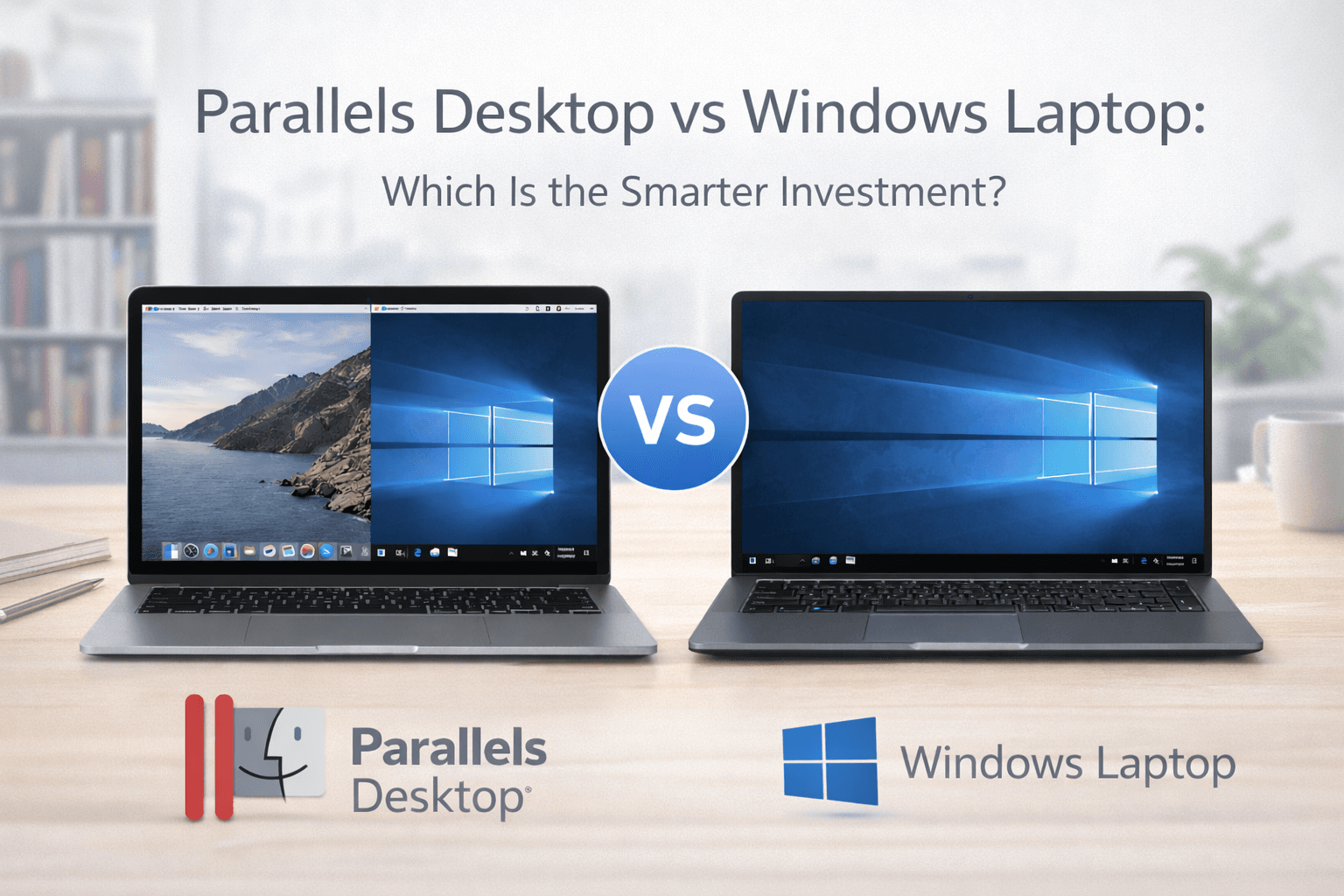
Parallels Desktop versus Windows Laptop
Feb 12 2026
If you’re a Mac user who needs Windows software, you’re facing a common decision: should you install Parallels Desktop and run Windows on your Mac, or purchase a separate Windows laptop?
Both options solve the same problem, accessing Windows applications, but they differ significantly in cost, convenience, performance, and long-term value.
Let’s break it down clearly so you can make the smartest choice.
Using Parallels Desktop on Your Mac
Parallels Desktop allows you to run Windows inside macOS without rebooting. You can use both operating systems at the same time, switch instantly between apps, and share files seamlessly.
Advantages
No need to carry two devices
Lower upfront cost than buying a new laptop
Seamless integration with macOS
Ideal for productivity, business apps, and development
Optimized for Apple Silicon (M1, M2, M3)
Limitations
Subscription cost
Requires purchasing a Windows license separately
Not ideal for high-end gaming
Performance depends on your Mac’s RAM and specs
Best for: Students, professionals, developers, and business users who only need Windows occasionally or for specific applications.
Buying a Separate Windows Laptop
Purchasing a Windows laptop gives you a dedicated Windows environment with full hardware access.
Advantages
Native performance
Better for high-end gaming
No virtualisation overhead
Dedicated GPU options
Limitations
Higher upfront cost
Two devices to maintain
File sharing between Mac and Windows requires extra steps
Less convenient for multitasking across systems
Best for: Gamers, heavy 3D designers, or users who rely entirely on Windows.
Cost Comparison
Factor | Parallels Desktop | Windows Laptop |
Initial Cost | Lower | Higher |
Ongoing Cost | Subscription | Hardware upgrades |
Portability | One device | Two devices |
Gaming Performance | Moderate | Strong |
Multitasking | Excellent | Not integrated |
If you already own a capable Mac with 16GB RAM or more, Parallels is often the more cost-effective solution.
Performance Considerations
For office software, development tools, accounting systems, and business applications, Parallels performs exceptionally well.
For GPU-intensive gaming or professional video rendering, a Windows laptop with a dedicated graphics card may deliver better results.
Convenience Factor
This is where Parallels shines.
Running both systems side-by-side means:
No rebooting
Instant switching between macOS and Windows
Easy file sharing
Unified workflow
If productivity and convenience matter more than raw gaming performance, Parallels is typically the smarter choice.
Who Should Choose Parallels Desktop?
Choose Parallels if:
You already own a Mac
You only need Windows for specific apps
You want a single-device workflow
You prioritise convenience and flexibility
Who Should Buy a Windows Laptop?
Buy a Windows laptop if:
You are a serious gamer
You use heavy GPU-dependent software daily
You want dedicated Windows hardware
You don’t rely heavily on macOS
Final Verdict
For most Mac users who need occasional or professional access to Windows, Parallels Desktop is the more practical and cost-efficient solution.
However, if your primary workflow revolves around Windows-exclusive software or high-performance gaming, investing in a dedicated Windows laptop may be worth it.
The smarter investment depends entirely on how you use Windows.
Compare your options and choose the smarter way to run Windows today.