
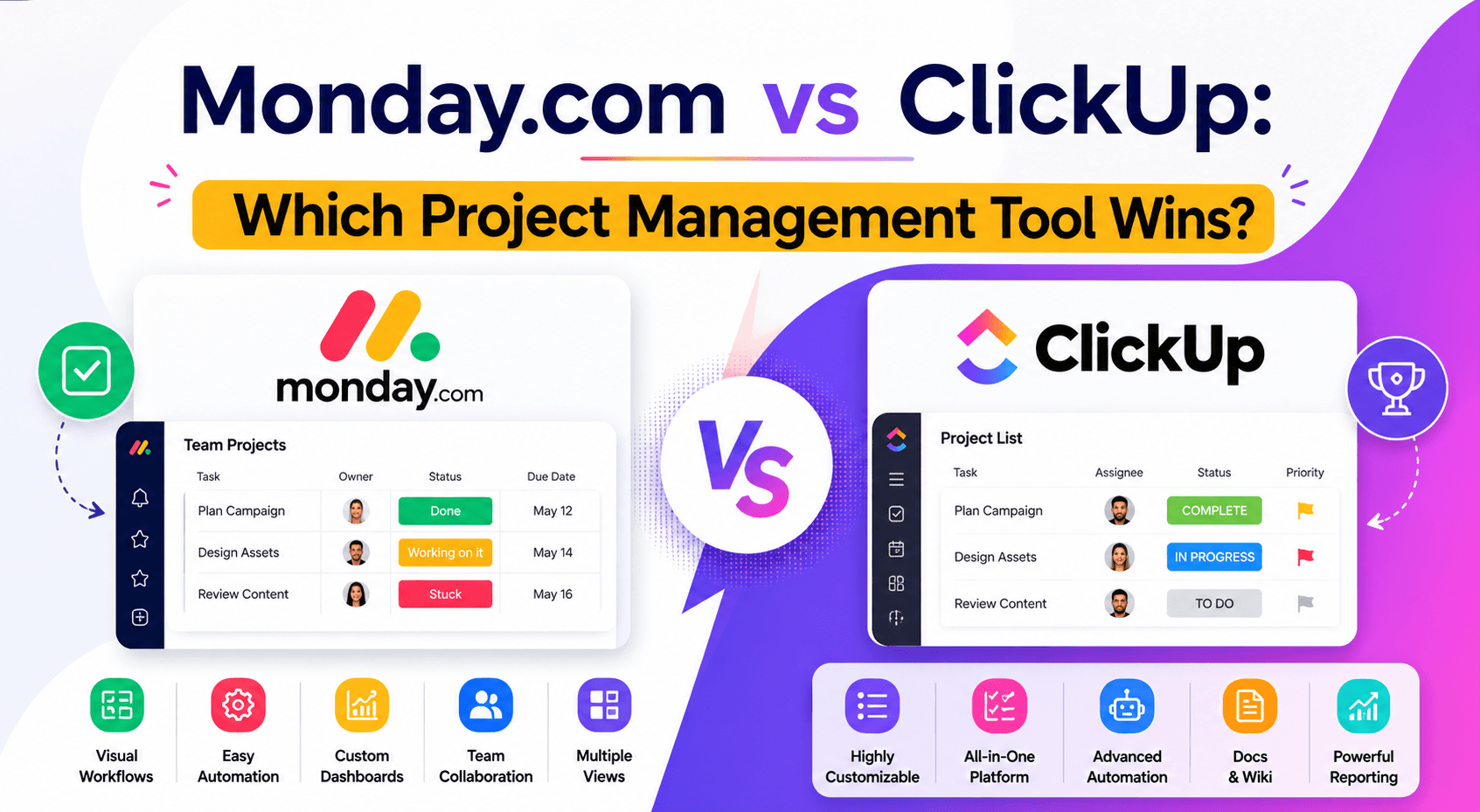
Monday com versus Clickup
Mar 30 2026
Choosing the right project management software can have a huge impact on your team's productivity. The right platform helps you stay organized, collaborate efficiently, automate repetitive tasks, and deliver projects on time. The wrong one can leave your team frustrated with complicated workflows and unnecessary manual work.
Two of the biggest names in this space are Monday.com and ClickUp. Both promise to be an all-in-one solution for managing projects, tasks, documents, goals, and team collaboration, but they take very different approaches.
Monday.com focuses on simplicity, visual workflows, and ease of use, making it a favorite among businesses of all sizes. ClickUp, on the other hand, is known for its extensive feature set and high level of customization, appealing to teams that want maximum flexibility.
So, which one should you choose?
In this comparison, we'll look at their features, pricing, ease of use, automation, integrations, customer support, and more to help you decide which platform is the better fit for your workflow.
Monday.com vs ClickUp: Quick Comparison
Feature | Monday.com | ClickUp |
Ease of Use | 5/5 Stars | 4/5 Stars |
Customization | 4/5 Stars | 5/5 Stars |
Project Management | 5/5 Stars | 5/5 Stars |
Automation | 5/5 Stars | 5/5 Stars |
Templates | Extensive | Extensive |
Collaboration | Excellent | Excellent |
Reporting | Advanced | Advanced |
Integrations | 200+ | 1,000+ |
Learning Curve | Low | Moderate to High |
Best For | Teams wanting simplicity | Teams needing advanced customization |
Winner: It depends on your priorities. Monday.com excels in usability, while ClickUp stands out for flexibility and built-in functionality.
User Interface and Ease of Use
Monday.com
One of Monday.com's biggest strengths is its clean, colorful, and intuitive interface. Boards are visually organized, navigation is straightforward, and most users can begin managing projects with little or no training.
Even if you've never used project management software before, it's easy to understand how tasks, timelines, and dashboards work.
Best for:
Beginners
Small businesses
Marketing teams
Non-technical users
Agencies
ClickUp
ClickUp packs a lot of features into one platform. While this makes it incredibly powerful, it also means the interface can feel overwhelming for first-time users.
The platform includes tasks, documents, whiteboards, goals, chat, time tracking, and more—all accessible from one workspace. Teams willing to invest time in learning the system are rewarded with impressive flexibility.
Best for:
Power users
Software teams
Operations departments
Experienced project managers
Winner: Monday.com
If ease of use is your top priority, Monday.com has the advantage.
Project Management Features
Both platforms include essential project management tools such as:
Task creation
Subtasks
Due dates
Priorities
Checklists
File attachments
Comments
Notifications
Recurring tasks
However, their approach differs.
Monday.com
Monday.com uses customizable boards that can adapt to different workflows, making it suitable for marketing, HR, sales, operations, and more.
ClickUp
ClickUp offers a more layered hierarchy with Spaces, Folders, Lists, Tasks, and Subtasks. This structure provides greater control over complex projects but may take longer to configure.
Winner: Tie
Monday.com is simpler, while ClickUp offers more depth.
Customization
Customization is one of ClickUp's strongest selling points.
ClickUp offers:
Custom task types
Custom fields
Multiple workspace structures
Personalized dashboards
Flexible permissions
Advanced views
Monday.com also allows extensive customization but aims to keep the experience user-friendly.
If your team has highly specific workflows, ClickUp gives you more control.
Winner: ClickUp
Automation
Automation helps eliminate repetitive tasks and improve efficiency.
Monday.com can automate:
Status updates
Task assignments
Deadline reminders
Notifications
Item movement
Recurring workflows
ClickUp offers:
Workflow automations
Conditional logic
Task creation
Custom triggers
Status changes
Integrations with third-party apps
Both platforms make automation accessible through no-code builders.
Winner: Tie
Both deliver excellent automation capabilities.
Views and Visualization
Project visualization is important because different teams prefer different ways of working.
Monday.com includes:
Table View
Kanban
Calendar
Timeline
Gantt Chart
Workload
Dashboard
Map View
ClickUp includes:
List View
Board View
Calendar
Timeline
Gantt
Mind Maps
Workload
Box View
Whiteboards
Docs
Winner: ClickUp
ClickUp offers a broader range of built-in views and visualization tools.
Collaboration Tools
Modern teams need more than task tracking—they need a place to communicate and share ideas.
Monday.com
Comments
Mentions
File sharing
Notifications
Team updates
Activity history
ClickUp
Built-in Docs
Whiteboards
Chat
Comments
Screen recording
Collaborative editing
Proofing tools
Winner: ClickUp
Its built-in documentation and collaboration features reduce the need for additional apps.
Templates
Both platforms offer hundreds of templates for common workflows.
Popular categories include:
Marketing
HR
Sales
CRM
Product development
Event planning
Recruitment
Content calendars
Customer support
Winner: Tie
Both provide excellent template libraries for getting started quickly.
Integrations
Connecting your project management software with the rest of your tech stack can save time and reduce manual work.
Monday.com supports integrations with:
Slack
Microsoft Teams
Google Drive
Zoom
Gmail
Outlook
HubSpot
Salesforce
Dropbox
Zapier
ClickUp integrates with:
Slack
GitHub
Google Workspace
Microsoft Teams
Figma
Zoom
Loom
Dropbox
HubSpot
Zapier
And many more
Winner: ClickUp
It supports a larger number of native integrations.
Reporting and Dashboards
Managers often rely on dashboards to monitor project health and team performance.
Monday.com excels at:
Visual dashboards
Workload reports
Budget tracking
Timeline reporting
Executive summaries
ClickUp provides:
Custom dashboards
Goal tracking
Sprint reporting
Time tracking reports
Productivity analytics
Team performance metrics
Winner: Tie
Both platforms offer robust reporting, though the ideal choice depends on your reporting needs.
Mobile Experience
Both Monday.com and ClickUp provide mobile apps for Android and iOS, allowing users to:
Update tasks
Receive notifications
Comment on projects
Upload files
Track progress on the go
Monday.com's app is often praised for its simplicity, while ClickUp's app includes more features but can feel busier.
Winner: Monday.com
Its cleaner mobile interface makes day-to-day task management easier.
Pricing
Both platforms offer free plans and paid subscriptions with additional features.
Plan | Monday.com | ClickUp |
Free Plan | Yes | Yes |
Entry-Level Paid Plan | Available | Available |
Advanced Plans | Yes | Yes |
Enterprise | Yes | Yes |
ClickUp's free plan generally includes more features, while Monday.com's paid plans focus on ease of scaling and team collaboration.
Winner: ClickUp
If you're looking for maximum functionality without upgrading immediately, ClickUp's free plan offers strong value.
Pros and Cons
Monday.com
Pros
Extremely easy to use
Beautiful interface
Excellent dashboards
Strong automation tools
Great for non-technical teams
Quick onboarding
Ideal for cross-functional collaboration
Cons
Some advanced features require higher-tier plans
Fewer built-in collaboration tools than ClickUp
Less flexible for highly complex workflows
ClickUp
Pros
Highly customizable
Rich feature set
Built-in Docs and Whiteboards
Generous free plan
Excellent for technical teams
Wide range of views
Strong productivity tools
Cons
Steeper learning curve
Interface can feel overwhelming
Initial setup takes longer
More features than some teams actually need
Transform Your Team Collaboration
Which Tool Is Best for Different Users?
User Type | Recommended Platform |
Beginners | Monday.com |
Freelancers | ClickUp |
Small Businesses | Monday.com |
Marketing Teams | Monday.com |
Creative Agencies | Monday.com |
Software Developers | ClickUp |
Agile Teams | ClickUp |
Enterprise Organizations | Either, depending on the workflow |
Remote Teams | Both |
Operations Teams | ClickUp |
Final Verdict: Which Project Management Tool Wins?
There isn't a one-size-fits-all winner because the best choice depends on how your team works.
Choose Monday.com if you want a platform that's intuitive, visually appealing, and easy to adopt. It's an excellent choice for marketing teams, agencies, HR departments, and businesses that value simplicity without sacrificing essential features.
Choose ClickUp if your team needs deep customization, built-in documentation, advanced collaboration tools, and extensive integrations. While it requires a bit more time to learn, it offers unmatched flexibility for complex workflows.
Ultimately, both platforms are among the best project management tools available today. If you're still unsure, take advantage of their free plans to test each one with your team before making a long-term commitment.
Frequently Asked Questions
Is Monday.com easier to use than ClickUp?
Yes. Monday.com is generally considered more beginner-friendly thanks to its clean interface, simple navigation, and shorter learning curve.
Which platform is better for small businesses?
Monday.com is often the better choice for small businesses because it's easy to set up, scalable, and doesn't require extensive training.
Does ClickUp have more features than Monday.com?
Yes. ClickUp includes additional built-in tools such as Docs, Whiteboards, Goals, and more advanced customization options.
Which software offers better automation?
Both platforms provide powerful no-code automation features, making this category a close tie.
Can I switch from ClickUp to Monday.com or vice versa?
Yes. Both platforms offer import tools and integrations that can help you migrate projects and data, although the process may require some manual adjustments.