
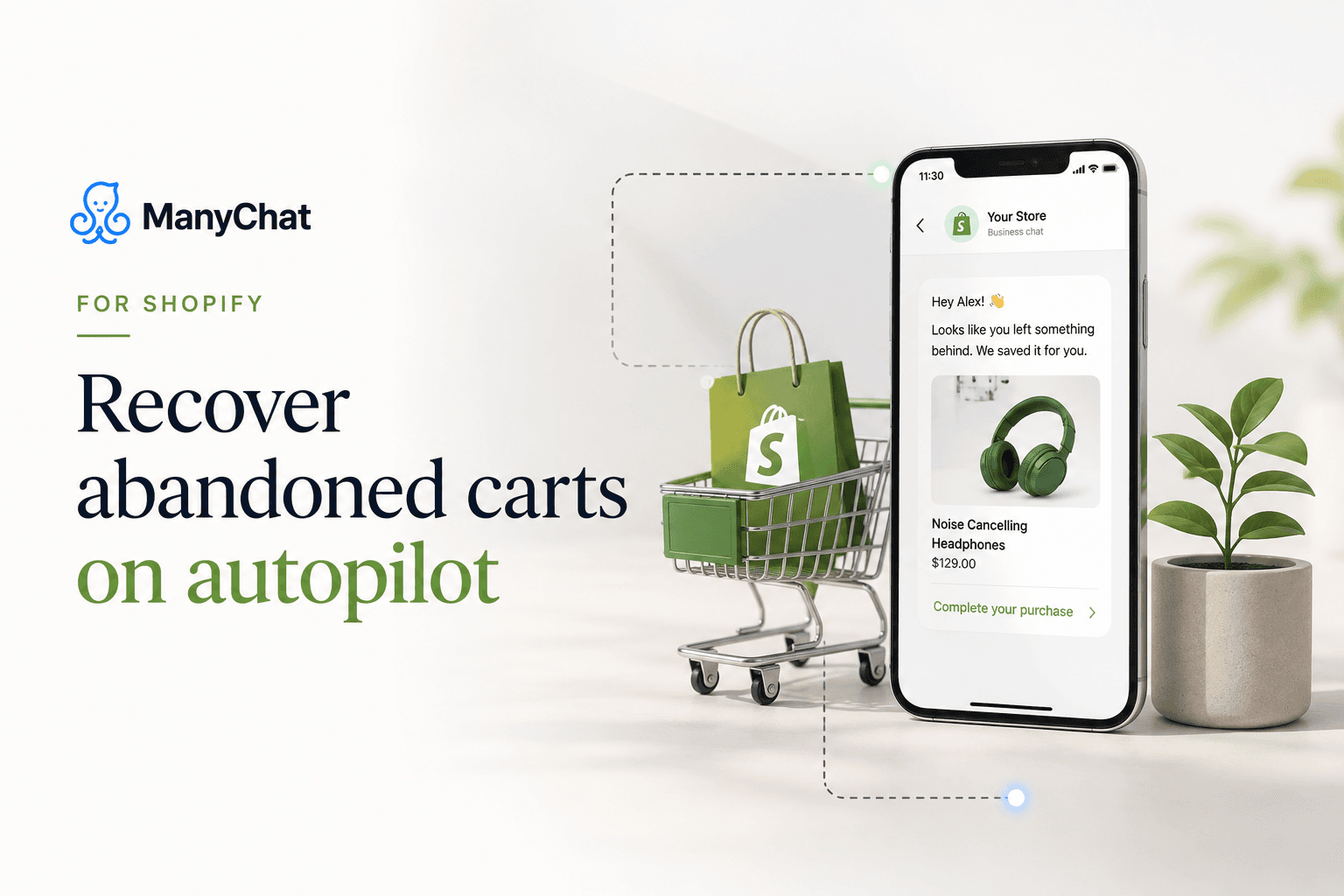
ManyChat For Shopify
May 05 2026
Most Shopify stores lose the majority of their carts before checkout. The industry number sits around 70 percent abandoned. Email win-back helps, but open rates on email hover in the low 20s, while a DM on Instagram or Messenger gets seen far more often. That gap is the case for running cart recovery through ManyChat.
ManyChat's Shopify integration is one of the places it clearly beats Instagram-only automation tools. If you sell on Shopify, this is a setup worth building. Here is how it works and how to get it running.
What ManyChat plus Shopify actually does
Once connected, ManyChat can react to Shopify events and run conversations around them:
● Abandoned cart recovery. Someone adds to cart and leaves. ManyChat messages them with the item and a link back to checkout.
● Order confirmations and shipping updates. Send the receipt and tracking through the channel they already use.
● Post-purchase flows. Ask for a review, recommend a related product, or offer a repeat-purchase code.
● Product recommendations. Surface items inside a DM conversation based on what they browsed or bought.
These are predictable, structured conversations, which is exactly where ManyChat's flow builder is strong. You are not asking it to hold an open-ended chat. You are moving a buyer from cart to checkout with a few well-timed messages.
Get Started with ManyChat Now!
What you need to connect it
● A Shopify store.
● A ManyChat Pro plan or higher. Shopify integration lives on Pro and above, not on Free or Essential.
● Instagram, Messenger, or WhatsApp connected as the channel you will message through.
● Opt-in in place, because you can only message people who have engaged with your automation or agreed to hear from you.
That opt-in point matters. ManyChat cart recovery works best when the shopper has already interacted with your brand on the channel, through a comment-to-DM flow, a chat widget, or a checkout opt-in. Build your DM audience first, then cart recovery has people to talk to.
Connect Instagram, WhatsApp & Messenger Now!
Step 1: Install the Shopify integration
In ManyChat, open Settings, go to Integrations, and connect Shopify. You authorize the connection from your Shopify admin. Once linked, ManyChat can read cart and order events and use them as triggers.
Step 2: Build the abandoned cart flow
Create a new automation triggered by the abandoned cart event. A structure that converts:
● Message one, sent about an hour after abandonment. Remind them what they left, show the product, link straight to checkout. Keep it friendly, not pushy.
● Message two, a day later if they still have not bought. Add a reason to act: low stock, a question about size or fit, or a small time-limited code.
● Message three, optional. A final nudge two or three days out, sometimes with a stronger offer.
Do not lead with a discount in message one. You will train buyers to abandon on purpose to trigger the code. Save the incentive for message two or three, and only for carts that do not recover on the reminder alone.
Click Here to Compare ManyChat Pricing
Step 3: Add order and shipping updates
Set a second automation on the order-placed and fulfillment events. Send the confirmation and the tracking link through the DM channel. Buyers like getting updates where they already are, and every one of those messages keeps the conversation channel warm for your next campaign.
Step 4: Layer in post-purchase
A few days after delivery, trigger a post-purchase flow. Ask how the product is working, request a review, and recommend a complementary item with a returning-customer code. This is where repeat revenue comes from, and it costs you nothing beyond the message.
Automate Your Marketing with ManyChat!
What it costs to run
Because Shopify integration needs Pro, budget from around $29 a month, scaling with your active contact count. If you message through WhatsApp, add Meta's per-conversation fee of roughly $0.02 to $0.08 each. For a store recovering even a handful of carts a week, the recovered revenue clears that cost quickly. Run the math on your own average order value against your plan price before you scale the flows.
Why this beats the Instagram-only tools
The flat-rate Instagram DM tools are cheaper and cleaner for creators, and for pure comment-to-DM they are worth a look. For a Shopify store, they fall short, because they do not read your cart and order data. ManyChat does. That connection between store events and DM conversations is the reason to pick it for e-commerce specifically. If you run a Shopify store and you are not recovering carts through DMs yet, this is the automation to build next.
Start a ManyChat Pro trial and connect your store now!
Frequently asked questions
Does ManyChat integrate with Shopify?
Yes. ManyChat connects to Shopify on the Pro plan and above. Once linked, it can trigger flows from cart and order events to run abandoned cart recovery, order confirmations, shipping updates, and post-purchase messages through Instagram, Messenger, or WhatsApp.
Which ManyChat plan do I need for Shopify cart recovery?
Pro or higher. Shopify integration is not available on the Free or Essential tiers. Pro starts around $29 a month and scales with your active contact count.
How soon should the first abandoned cart message send?
About an hour after abandonment works well for the first reminder, with a follow-up a day later and an optional final nudge two to three days out. Lead with a helpful reminder, not a discount, and save any incentive for the later messages.
Can ManyChat send order and shipping updates through Instagram?
Yes. With the Shopify integration connected, you can trigger order confirmations and tracking updates on order and fulfillment events and deliver them through the DM channel the customer used.
Is ManyChat better than Instagram-only DM tools for Shopify?
For a Shopify store, yes. Instagram-only tools do not read your cart and order data, so they cannot run true cart recovery. ManyChat's Shopify connection is the reason to choose it for e-commerce, even though flat-rate tools can be cheaper for pure comment-to-DM.