
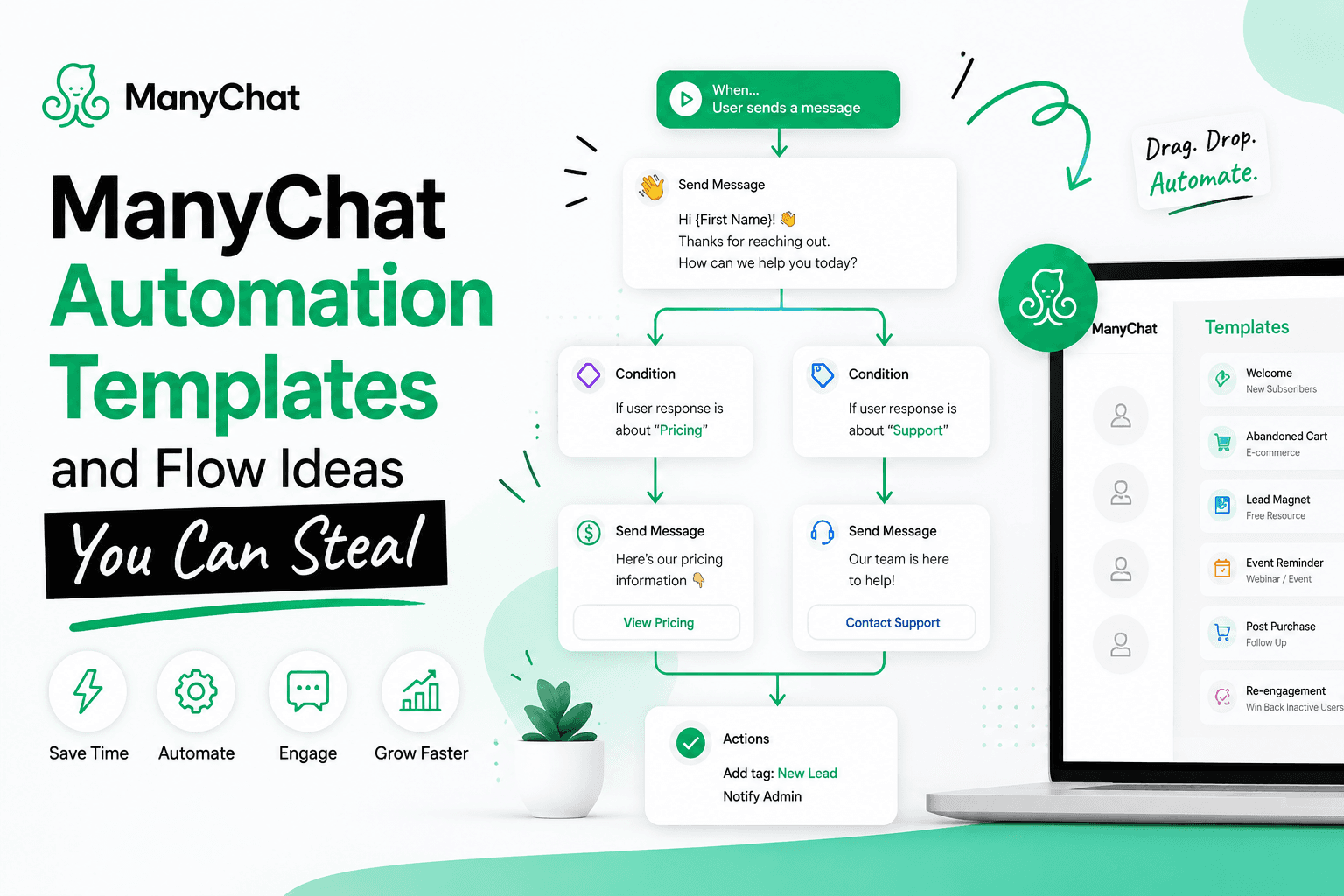
ManyChat Automation Templates and Flow Ideas You Can Steal
Jul 07 2026
A blank ManyChat flow builder is the hardest part of getting started, and most template roundups just hand you a list of flow names without explaining how ManyChat templates actually behave once you install one. That gap causes a specific, avoidable problem: builders add one Pro-tier element to what they thought was a free template, and the entire template silently locks behind a paid plan. Here's what's actually going on, plus ten flow ideas worth building.
How ManyChat Templates Actually Work
A "template" in ManyChat isn't just a flow — it's a full package that can include flows, tags, custom user fields, and automation rules bundled together so they can be shared or installed on another account in one step. This is powerful, but it has a consequence worth knowing before you build: if you add even one Pro-tier element to a template — or exceed the free plan's limit on tags, fields, or automations — the whole template becomes Pro-only and can only be installed on accounts with a Pro subscription or higher. You won't always get a clear warning mid-build; the system flags the subscription requirement based on what's inside once you're done.
Template Component | Counts Toward Free Limits? | Practical Impact |
Basic flows and automation rules | Yes, up to plan limits | Exceeding your tier's automation count locks the template to that tier or above. |
Custom tags | Yes | Free plans cap tag count; templates using more become Pro-gated |
Custom user fields | Yes | Same mechanic — exceeding free-tier limits upgrades the requirement |
AI Step elements | Pro-only feature | Including even one AI Step makes the entire template Pro-only, regardless of everything else in it. |
If you're building a template to share with a client or team member on a lower tier, strip out AI Steps and keep tags/fields within free-plan limits, or confirm their plan supports it before handing it over.
Where to Find and Install Templates
From the ManyChat dashboard, "Explore all templates" opens the full library, or you can start from Automation > + New Automation, which opens the same template picker. Once you pick one, everything is editable — text, links, buttons — before you set it live. ManyChat's official templates were also revamped with clearer, localised instructions (currently available in English, Spanish, and Portuguese), so newer templates are noticeably easier to adapt than older ones still floating around in tutorials.
Ten Flow Ideas Worth Building
# | Flow | Trigger | What It Actually Does |
1 | Welcome Flow | First message from a new contact | One greeting, one value statement, one clear next step (2-3 buttons) |
2 | Comment-to-DM Funnel | Keyword comment on a post or Reel | Instant DM with the promised link, then a soft follow-up ask |
3 | FAQ Menu | User taps "Questions" or types a keyword | Button-based menu answering your 5 most repeated questions |
4 | Lead Qualification Sequence | Entry from any channel | 2-3 tap-to-answer questions that tag contacts by intent and budget |
5 | Abandoned Cart Reminder | Incomplete checkout (ecommerce) | Friendly nudge, optionally with a small incentive to finish |
6 | Appointment Reminder | 24 hours before a scheduled booking | Template message with a one-tap reschedule option |
7 | Re-Engagement Flow | 30+ days of inactivity | Short "still interested?" check-in with an easy opt-out |
8 | Content Delivery Flow | Request for a guide, checklist, or code | Instant delivery, then a topic tag for future relevant broadcasts |
9 | Live Chat Handoff | Phrase like "talk to a person" | Pauses automation, routes to your team's shared inbox |
10 | Post-Purchase Follow-Up | Order completed | Thank-you message, delivery expectations, open invitation for questions |
Building Dynamic Content Instead of Static Flows
For anything with frequently changing content — property listings, a rotating menu, a product catalogue — a static flow becomes a maintenance burden fast. ManyChat supports dynamic galleries that pull from a connected Google Sheet: each row can generate a gallery card, with buttons that link to a URL, a specific flow, or even a specific step within a flow, referenced by that flow's ID. This means updating your Google Sheet updates what the bot shows, without touching the flow itself — useful for any business where the "menu" of things a bot recommends changes weekly or daily.
Sharing Templates Across Accounts or with a Team
If you're building for a client, an agency, or just want to reuse your own setup elsewhere, ManyChat lets you export flows, tags, fields, and rules as an installable template rather than rebuilding from scratch each time. This is also how most public "template packs" you'll find from ManyChat educators are distributed — install, then customise the text and links for the new account.
How to Actually Use This List
Don't build all ten at once. Pick whichever matches your current bottleneck — for most new accounts, that's either the Welcome Flow or the Comment-to-DM Funnel — and get it live before adding the next one. A common failure mode is spending a week building five flows in parallel and shipping none of them; a single working flow in production teaches you more about where real users drop off than five flows still sitting in draft.
Once your first flow is live, the fastest ROI usually comes from combining #4 (Lead Qualification) with whichever acquisition flow brought the contact in — a Comment-to-DM funnel that ends in a qualifying question converts noticeably better than one that ends in a plain link, because you're capturing not just a lead but the context that tells you how to follow up.
Every flow in this list works across Instagram, Messenger, or WhatsApp with only small adjustments to message formatting, so once the underlying logic is built once, extending it to a second channel is mostly a matter of copying, reconnecting the trigger, and adjusting tone for the platform.