
ManyChat AI Add On
Mar 10 2026
ManyChat's AI features are not in your plan. They cost about $29 a month on top of Pro or Business, and that upcharge is the loudest complaint in ManyChat's 2026 pricing. The fair question is not whether the add-on is annoying. It is whether the AI earns back the $29. For some businesses, it does, easily. For others, it is $29 spent on a feature that a keyword trigger already handles.
Here is what the AI add-on actually does, and how to tell which group you are in.
What the AI Add-On Gives You
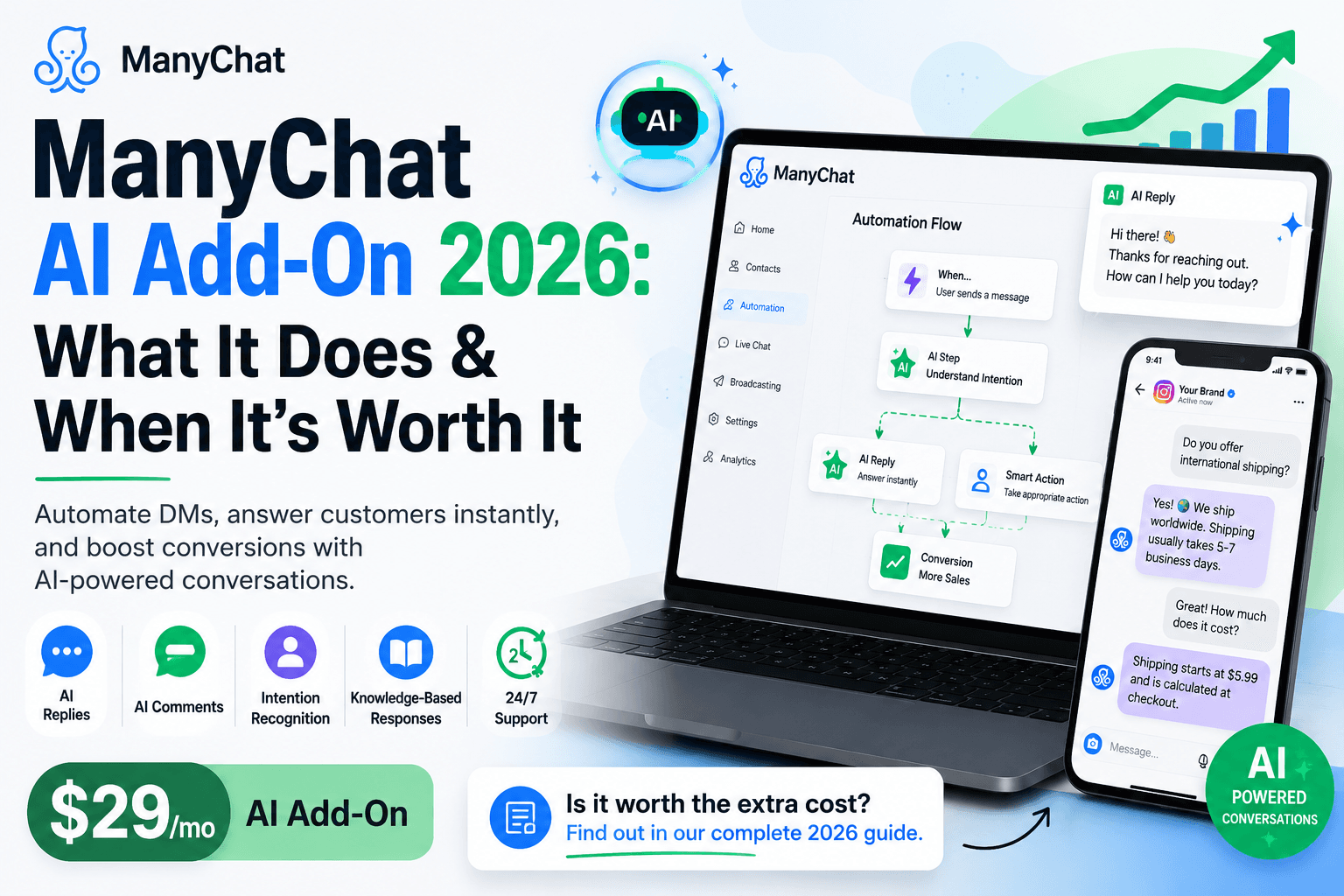
The AI features let ManyChat respond in DMs and comments using a model rather than a fixed script. You teach it about your business and your tone, and it can:
Reply to DMs in a natural, conversational way rather than in a rigid flow.
Answer common FAQs without mapping every question to a keyword.
Respond to positive comments automatically.
Guide a conversation toward a goal, like booking or buying, and adapt when the person says something off-script.
The honest limit: this is not a fully trained agent that studies your entire knowledge base and reasons like a human rep. It handles conversational replies and FAQ-style questions well. For deep, unpredictable support conversations, it is lighter than dedicated AI-agent tools. Set your expectation there, and you will not be disappointed.
Start your 14-day free trial of ManyChat.
Where the $29 Pays for Itself
The add-on earns its cost when you are losing money or hours to conversations a script cannot cover.
You get the same handful of questions constantly. Sizing, shipping, hours, availability. AI answers them at 2 am, so you do not, and every answered question is a sale you did not drop.
Your funnel breaks when people go off-script. A flow sends a generic fallback the moment someone types something unexpected. AI keeps the conversation alive, which recovers leads that a rigid flow would lose.
You are paying a person to answer DMs. If a virtual assistant handles your inbox for a few hundred dollars a month, $29 of AI that covers the routine share is straightforward math.
You run ads in DMs. Every prospect you paid to acquire and then lost to a dead-end flow is wasted ad spend. AI that qualifies and responds protects those who spend.
Where Can You Skip It
Save the $29 when your automation is simple and predictable.
You only deliver a lead magnet. Comment the keyword, get the link. A keyword trigger does this perfectly with no AI.
Your DMs follow one path. If every conversation is the same three steps, a flow is more reliable and cheaper than AI.
You are just starting. Build your keyword flows first, learn what people actually ask, then add AI once you see the gaps.
Starting without the add-on is the right move for most new accounts. You do not know your real FAQ patterns yet, and the flow builder covers the basics for free.
The Math, Plainly
Put a number on it. If the AI recovers even one sale a month that a broken flow would have dropped, and your average order clears $29, it paid for itself. For a coach whose offer is worth hundreds, a single recovered booking covers the add-on for the year. For a creator delivering a free PDF, there is no sale to recover, so the add-on is a cost with no return. Your average order value and your conversation complexity decide it, not the sticker price.
How to Decide in One Question
Ask yourself: Are you losing conversations because your flow cannot handle what people actually type? If yes, the AI add-on likely pays for itself. If your flows deliver exactly what people ask for and nobody goes off-script, keep the $29.
The clean approach is to start on Pro without AI, run your flows for a few weeks, and watch where conversations stall. If you see a real drop-off in off-script messages, add the AI then. You will know it is worth it because you will have watched the leads you were losing.
Start with a ManyChat trial, build your flows, and add AI when the gaps show up.
Build your first comment-to-DM flow in about 10 minutes.
Frequently asked questions
How much does the ManyChat AI add-on cost?
About $29 a month on top of a Pro or Business plan. ManyChat's AI features are not included in any base tier, so budget for them separately if you want AI replies.
What does the ManyChat AI add-on do?
It lets ManyChat respond in DMs and comments conversationally rather than through a fixed script. You teach it your business and tone, and it answers FAQs, replies to positive comments, and guides conversations toward a goal, adapting when people go off-script.
Is the ManyChat AI add-on worth it?
It depends on your use case. It pays for itself when you lose conversations to off-script messages, answer the same FAQs constantly, or run ads into DMs. It is not worth it if you only deliver a lead magnet or if every conversation follows one predictable path.
Can I use ManyChat without the AI add-on?
Yes. The flow builder, keyword triggers, and comment-to-DM automation all work without AI. Many businesses run effective funnels on flows alone and add AI later once they see where conversations stall.
Is ManyChat's AI a full AI agent?
No. It handles conversational replies and FAQ-style questions well, but it is lighter than dedicated AI-agent tools trained on a full knowledge base. Set expectations around responsive DM handling rather than deep, unpredictable support.