
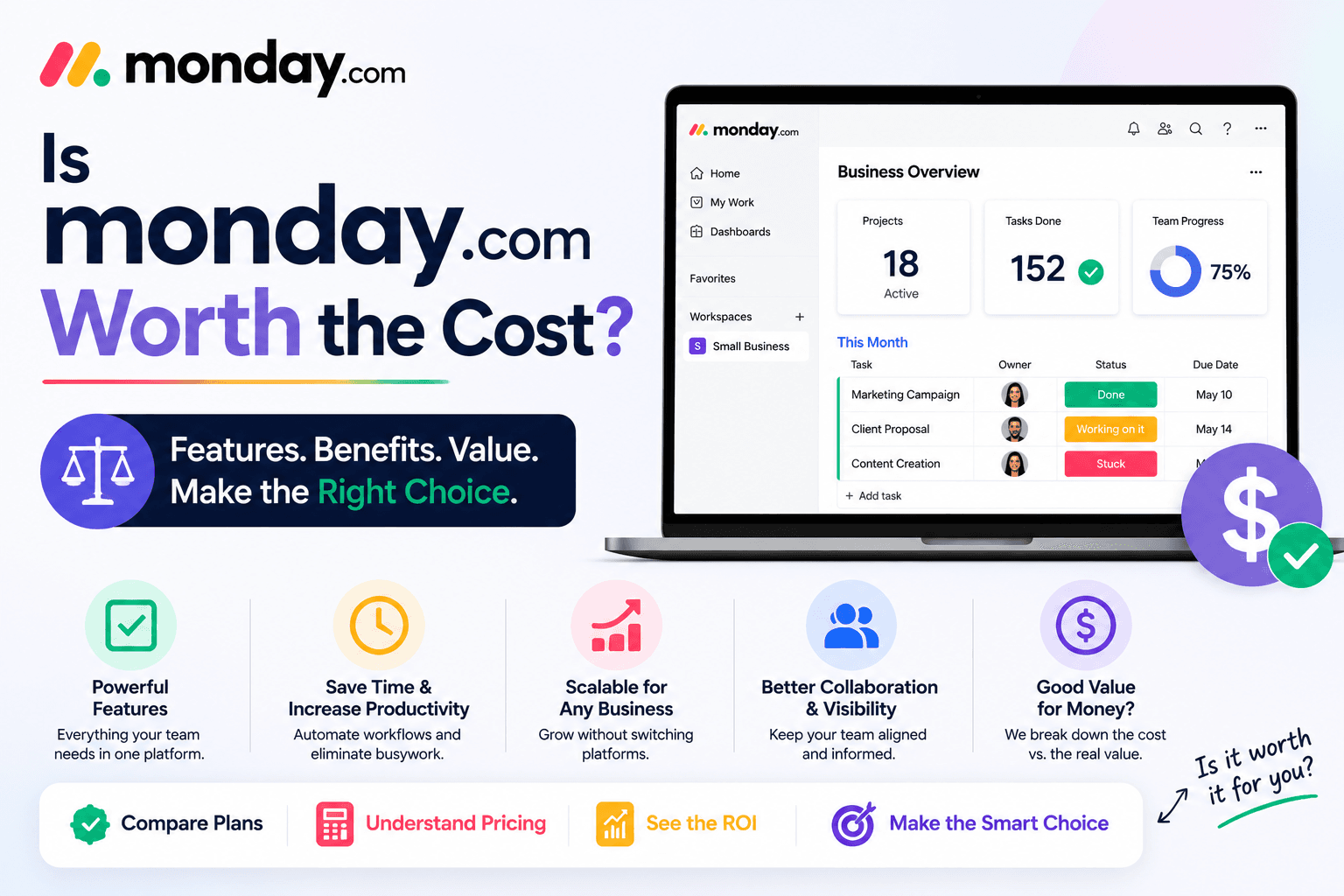
Is Monday com Worth the Cost
Apr 27 2026
Project management software is an investment, not just another monthly subscription. Whether you're a freelancer, startup founder, or part of a growing business, you want to know one thing before paying for a new tool:
Will it actually save time, improve productivity, and justify its price?
Monday.com is one of the most popular work management platforms available today, used by businesses of all sizes to organize projects, collaborate with teams, automate workflows, and track progress. But with several pricing plans and plenty of competitors in the market, it's natural to ask whether it's worth spending money on.
The answer depends on how you plan to use it.
In this guide, we'll look beyond the feature list and evaluate the real value Monday.com offers. We'll cover what you get with the platform, who benefits the most, potential drawbacks, and situations where another tool might be a better fit.
What Are You Actually Paying For?
When people first look at Monday.com's pricing, they often compare it with free task management apps or basic spreadsheet tools. However, the real value of Monday.com isn't just task tracking; it's the way it brings multiple business processes into one platform.
With a paid plan, you're not simply buying a digital checklist. You're investing in a system that can help your team:
Organize projects from start to finish
Collaborate without relying on endless email threads
Automate repetitive administrative work
Track deadlines and workloads
Generate reports and dashboards
Connect with popular business tools
Scale workflows as the company grows
If your team regularly spends time chasing updates, switching between apps, or manually tracking projects, those hours quickly become more expensive than the software itself.
Who Gets the Most Value from Monday.com?
Not every user needs an advanced work management platform. The value of Monday.com increases as your workflows become more complex.
Small Businesses
Small businesses often manage marketing, sales, customer support, and operations with limited staff. Monday.com keeps these activities organized in one workspace, reducing confusion and improving accountability.
Growing Startups
As startups hire more employees, communication becomes more challenging. Monday.com helps standardize workflows so everyone knows what they're working on and what comes next.
Marketing Teams
Campaign planning, content calendars, approvals, social media scheduling, and reporting can all be managed from a single platform.
Agencies
Creative and digital agencies benefit from client-specific boards, deadline tracking, workload management, and easy collaboration between designers, writers, and account managers.
Operations Teams
Businesses with recurring processes, approvals, or internal requests can automate routine work and reduce manual effort.
When Monday.com Might Be More Than You Need
While Monday.com is a powerful platform, it isn't always the right choice.
You may not need a paid subscription if:
You only manage a simple personal to-do list.
Your projects involve very few tasks.
You work alone and don't collaborate with others.
A free task management app already meets your needs.
If your workflow is straightforward, you might not take full advantage of features like dashboards, automations, or advanced reporting.
Features That Add Real Value
Instead of focusing on every available feature, let's look at the ones that can genuinely save businesses time and money.
Customizable Workspaces
Unlike software that forces you into one workflow, Monday.com lets you build boards that match the way your team already works.
Whether you're tracking customer leads, planning events, or managing product launches, the platform adapts to your process, not the other way around.
Automation That Saves Hours
Repetitive administrative work often goes unnoticed until you calculate how much time it consumes.
Monday.com can automate tasks such as:
Assigning work
Sending reminders
Updating statuses
Moving completed tasks
Creating recurring items
Triggering notifications
Even saving a few minutes on each project can translate into significant time savings over a month.
Better Team Visibility
One of the biggest productivity killers is uncertainty.
Questions like:
"Who's responsible for this?"
"Has the client approved it?"
"Is this task finished?"
can waste valuable time.
Monday.com provides real-time visibility into projects, making it easier for everyone to stay informed without constant meetings or follow-up messages.
Dashboards That Support Better Decisions
Instead of collecting updates manually, managers can view dashboards showing:
Project progress
Team workloads
Budget tracking
Deadlines
Performance metrics
These insights make it easier to identify problems before they delay a project.
Comparing the Cost to the Time Saved
One way to evaluate any software is to compare its cost with the time it helps you recover.
Imagine a five-person team spends just 20 minutes each day searching for files, requesting updates, or manually organizing tasks.
That's:
Around 100 minutes per day
Over 8 hours each week
More than 35 hours each month
If Monday.com helps reduce even a portion of that wasted time, the productivity gains can easily outweigh the subscription cost.
The exact savings will vary by team, but businesses with frequent collaboration often see the biggest return.
Free Plan vs Paid Plans
Monday.com offers a free plan, making it easy to explore the platform before upgrading.
The Free Plan Is Best If You:
Work independently
Have simple workflows
Want to test the interface
Need basic task tracking
A Paid Plan Makes Sense If You Need:
Workflow automations
Advanced dashboards
More integrations
Greater storage
Multiple collaborators
Detailed reporting
Scalable project management
For many businesses, the paid plans become worthwhile once projects involve several team members or recurring processes.
Pros That Justify the Price
Clean and intuitive interface
Flexible enough for many industries
Powerful automation tools
Excellent collaboration features
Large collection of templates
Strong reporting capabilities
Integrates with many popular business apps
Scales well as businesses grow
Potential Drawbacks
No software is perfect, and Monday.com has a few limitations to consider.
Advanced functionality is reserved for higher-tier plans.
Costs increase as your team expands.
Some users may never use all of the available features.
Businesses with very simple needs might find it more powerful than necessary.
Understanding these trade-offs can help you choose the right plan, or decide whether another tool better fits your requirements.
How Does Monday.com Compare to Other Tools?
If you're evaluating multiple platforms, here's a general overview:
If You Want... | Consider... |
The easiest learning curve | Monday.com |
Extensive customization | ClickUp |
Simple Kanban boards | Trello |
Strong document collaboration | Notion |
Agile software development | Jira |
Spreadsheet-style project management | Smartsheet |
Monday.com stands out by offering a balance of ease of use and powerful workflow management, making it suitable for a wide range of teams.
Is It a Good Long-Term Investment?
For businesses planning to grow, investing in scalable software can prevent costly migrations later.
Instead of changing systems every time your team expands, Monday.com allows you to:
Add new users
Create additional workflows
Connect more tools
Build custom dashboards
Expand automations
This flexibility makes it a platform that can continue supporting your business as it evolves.
Who Should Buy Monday.com?
It's Worth the Cost If You:
Manage multiple projects at once
Collaborate with a team regularly
Want to reduce repetitive administrative work
Need better visibility into deadlines and workloads
Plan to scale your business over time
You May Not Need It If You:
Only manage personal tasks
Rarely collaborate with others
Don't need automation or reporting
Are happy with a simple free task manager.
Final Verdict
So, is Monday.com worth the cost?
For many businesses, the answer is yes, especially if you're managing multiple projects, working with a team, or looking to improve efficiency. The platform offers more than task management; it helps centralize workflows, automate repetitive processes, and provide greater visibility across your organization.
That said, the value depends on how you use it. If your needs are simple, the free plan may be all you require. But if your business is growing and you're spending too much time coordinating work manually, upgrading to a paid plan can be a worthwhile investment that pays for itself through improved productivity.
The best approach is to start with the free plan, test it with your team, and upgrade only when you need the additional features.
Frequently Asked Questions
Is Monday.com expensive?
The cost depends on your team size and chosen plan. While paid subscriptions may seem higher than basic task management apps, they include advanced features such as automations, dashboards, integrations, and reporting.
Can small businesses justify paying for Monday.com?
Yes. Small businesses that manage multiple projects or collaborate frequently often benefit from improved organization and time savings.
Is the free version enough?
For individuals or very small teams with basic task management needs, the free plan may be sufficient. Businesses with more complex workflows will likely benefit from a paid plan.
Does Monday.com help increase productivity?
It can. Features like automation, shared workspaces, dashboards, and centralized communication help reduce manual work and improve project visibility.
Should I choose Monday.com over a free project management tool?
If your work involves multiple people, recurring processes, or the need for detailed reporting, Monday.com generally offers more capabilities than most free task management tools.