
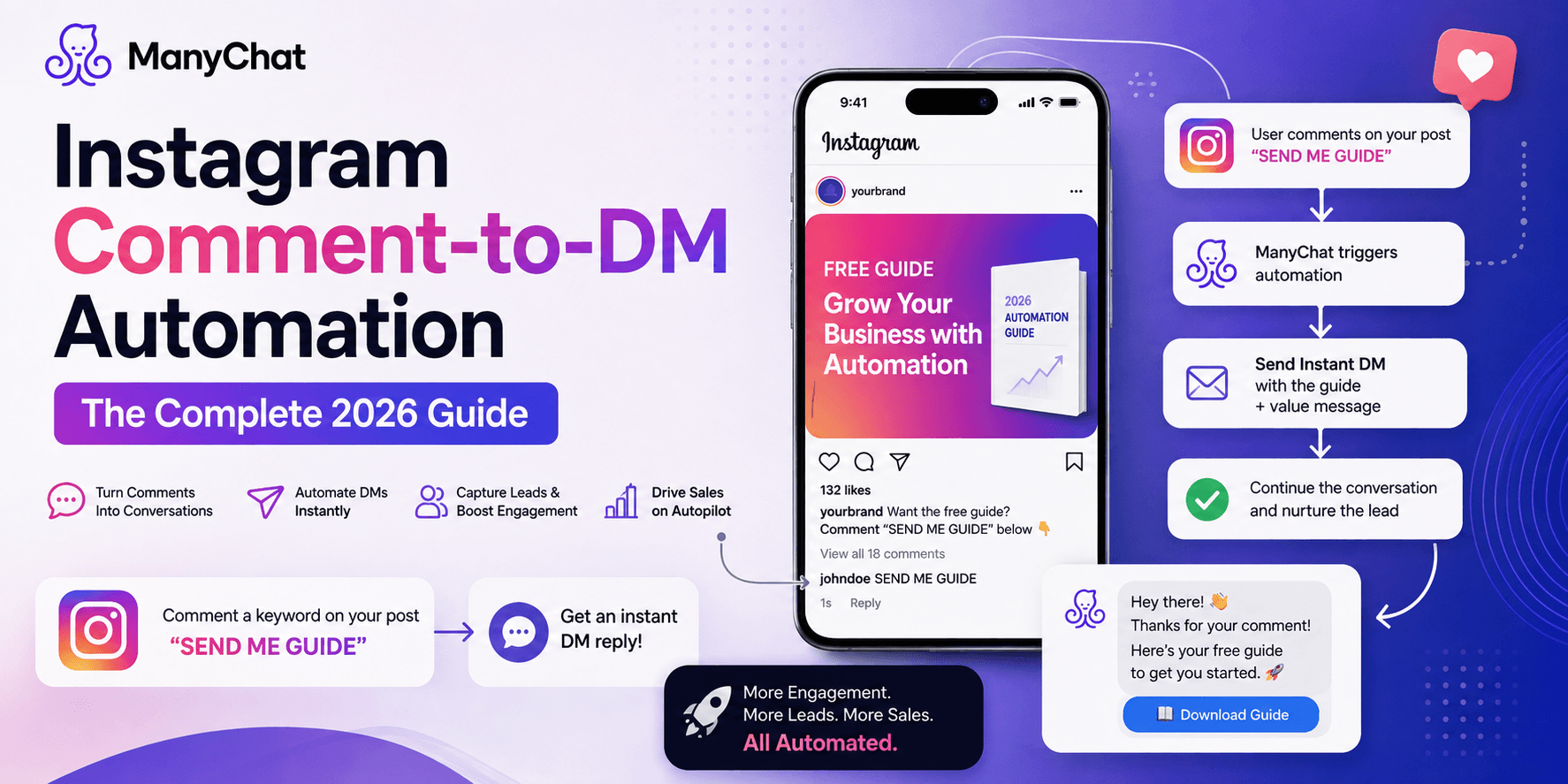
Instagram Comment to DM Automation with ManyChat
Aug 11 2026
"Comment LINK, and I'll send it to you" looks like a two-minute setup. Underneath it, though, you're operating inside a fairly strict set of Meta rules — two separate messaging windows, an hourly send cap, and a policy framework that changed more in 2026 than in the previous three years combined. Most tutorials skip this part and go straight to "drag a block into the flow builder." This guide doesn't.
How the Trigger Actually Works
When someone comments a keyword on your post or Reel, ManyChat doesn't message them directly — it uses Instagram's Graph API to send one private reply to that comment. That private reply is what opens the door to a DM conversation. Critically, the comment itself is the permission: Meta's messaging policy treats the trigger event as the user's opt-in, which is why cold-DMing someone who never interacted with your content isn't automation; it's a policy violation.
The Two Messaging Windows You Need to Understand
Almost every "my automation stopped sending" problem traces back to confusing these two windows. They are not the same thing; they don't run on the same clock, and mixing them up is the single most common setup mistake.
Window | Duration | What Triggers It | What You Can Send |
Standard Messaging Window | 24 hours | Any DM, Story reply, or comment interaction with your account | Effectively anything — promotional or not — while the window is open |
Comment Private-Reply Window | 7 days | A comment on a specific post or Reel | One private-reply DM per comment, even if the 24-hour window has since closed |
The 7-day window is the one that saves viral posts. If a Reel blows up and your automation can't keep pace with comments in real time, you still have a full week to catch the backlog — the private reply isn't limited to the first 24 hours the way general DM replies are.
Rate Limits and the Rules That Actually Get Accounts Flagged
Meta doesn't publish one single universal number for "messages per hour" — instead, different limits apply to different actions, and most automation platforms, including ManyChat, throttle sends below Meta's ceiling as a safety margin.
Limit | Approximate Cap | Notes |
Comment-triggered private replies | ~750/hour per account | Meta-side ceiling; excess comments queue and send in the next window rather than failing |
General automated DM sends | ~200/hour per account | A pacing convention most platforms (including ManyChat) apply, not a hard Meta number |
DMs to the same user from repeat triggers | 1 automated DM per user per 24 hours | Newer 2026 rule preventing the same contact from being messaged repeatedly across different posts |
Two 2026 changes are worth knowing before you build anything: Meta discontinued Recurring Notifications in February, and as of April 27, several legacy message tags (including CONFIRMED_EVENT_UPDATE) started returning hard errors instead of silently failing. If you copied a flow structure from an older tutorial, check whether it relies on any of these — it may look connected in ManyChat while actually failing on Meta's side. The Human Agent tag remains the most consistently supported way to message someone outside the standard window when a real person needs to step in.
Start Your ManyChat Automation
Step 1: Connect Through Unified Instagram Onboarding
In ManyChat, go to Settings > Instagram. If your account was connected years ago through an older integration flow, reconnect it through ManyChat's current Unified Instagram Onboarding — several newer features, including some beta automation types, only function correctly on accounts connected this way. You'll need a Business or Creator account linked to a Facebook Page with admin access.
Step 2: Build the Flow Before the Trigger
Design the DM sequence first. Keep the opening message short and give the person a reason to reply — a question or button, not just a link — since any reply from them resets the 24-hour window and keeps the conversation alive for follow-ups.
Step 3: Set the Comment Trigger
Under Automation > Instagram > Comments, select the post, define your keyword, and connect it to the flow. Add a public reply too ("Sent! Check your DMs 📩") — it reduces confusion for other commenters and normalizes the automation for future posts.
Step 4: Add Keyword Variations
Because the trigger keyword has to match closely, add two or three common misspellings or variants of your main keyword as additional triggers, or you'll lose a meaningful percentage of intent-matched comments to typos.
Step 5: Test as a Stranger Would
Comment on your own post from a separate account. Confirm the private reply lands, the DM opens correctly, and any follow-up message in the sequence fires on schedule.
Where This Breaks in Practice
Follow-to-DM is unreliable by design, not by ManyChat's fault. Meta's Instagram API doesn't currently expose a publicly subscribable webhook for new-follower events, so any "auto-DM someone the moment they follow you" feature is working around a gap Meta hasn't closed — expect inconsistent delivery rather than a bug you can fix on your end.
Same-account, multiple workspaces doesn't double your limits. If you connect one Instagram account to two tools, or two ManyChat workspaces, you're still drawing from the same Meta-side rate budget. It won't get you more sends; it just adds a second point of failure.
Vague trigger words catch noise. "Yes" or "info" pick up accidental matches from unrelated comments and pollute your flow with people who never actually wanted anything.
Why It's Still Worth Building
Once it's configured correctly, comment-to-DM automation converts a passive engagement signal — a comment — into an owned, messageable contact you're not dependent on the algorithm to reach again. For creators and small businesses, it remains one of the highest-leverage automations available on Instagram, provided it's built around Meta's actual rules rather than a workaround that stops working the next time Meta tightens policy.