
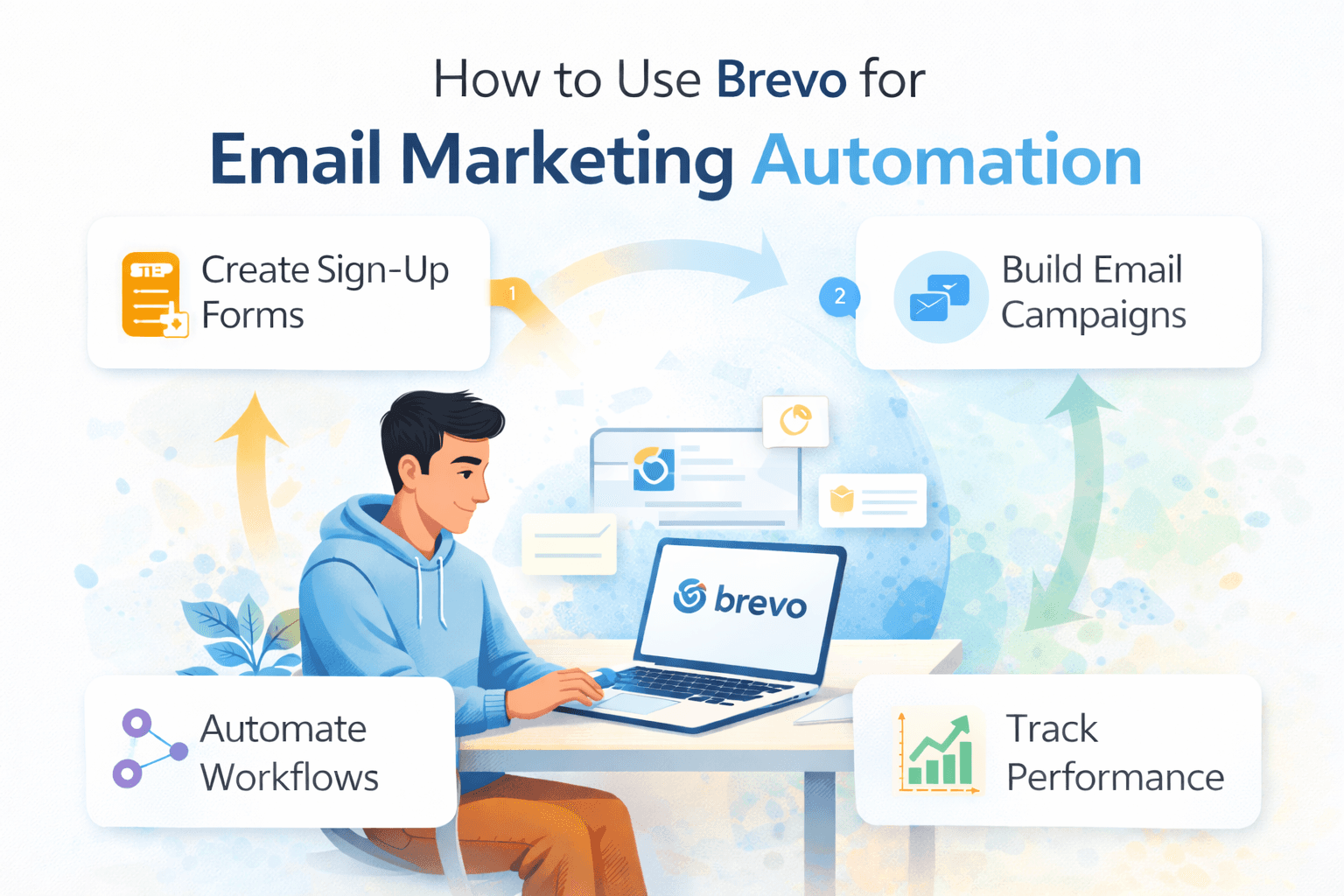
How to Use Brevo for Email Marketing Automation
Jan 02 2026
If you are running a business, big or small, you know that email marketing isn't just "nice to have," it's essential. But simply sending out a monthly newsletter isn't enough anymore. Customers expect personalized messages, timely offers, and content that actually matters to them. This is where email marketing automation comes in.
You might have heard of platforms like Mailchimp or HubSpot, but there is another powerful player that has been gaining serious traction: Brevo (formerly Sendinblue). Brevo is an all-in-one digital marketing platform that offers email, SMS, chat, CRM, and, most importantly, robust automation features.
If you are looking to save time, connect better with your audience, and boost your sales without being a tech wizard, this guide is for you. Here is how to use Brevo for email marketing automation, simplified for 2026.
What is Email Marketing Automation?
Imagine a customer signs up for your newsletter. With automation, you don't have to manually send them a welcome email. The system does it automatically. Then, based on their actions (like clicking a link or visiting a product page), it can send follow-up emails, all without you lifting a finger.
Why it's a Game-Changer:
Saves Time: Automate repetitive tasks so you can focus on strategy.
Personalization: Deliver the right message to the right person at the right time.
Boosts Engagement & Sales: Timely, relevant emails lead to more opens, clicks, and purchases.
Scalability: As your business grows, your email efforts grow with it, effortlessly.
Getting Started with Brevo: Your Automation Hub
Brevo's dashboard is designed to be intuitive. Once you log in, navigate to the "Automation" tab in the main menu. This is where all the magic happens.
Key Brevo Automation Features:
Workflows: The heart of automation, where you design your email sequences.
Scenarios: Pre-built templates for common automation tasks.
Contact Attributes: Information about your contacts (e.g., name, purchase history) that helps personalize emails.
Segments: Groups of contacts based on shared characteristics or behaviours.
Tap here and get started with Brevo.
Building Your First Brevo Automation Workflow: The Welcome Series
Every business needs a welcome series. It's your chance to make a great first impression.
Step-by-Step: Creating a Welcome Workflow
Navigate to Automation: From your Brevo dashboard, click on Automation.
Create a New Workflow: Click "Create a new workflow".
Choose a Scenario: Brevo offers several pre-built scenarios. Select "Welcome Message."
Name Your Workflow: Give it a clear name, like "New Subscriber Welcome Series."
Set the Entry Point (Trigger): This is what starts the automation. For a welcome series, it's usually:
"A contact is added to a list" (choose your main newsletter list).
"A contact completes a form" (if you have a specific signup form).
Design Your First Email:
Drag and drop an "Email" action into your workflow.
Click to design your email. Brevo's drag-and-drop editor is super user-friendly. Include a friendly greeting, introduce your brand, and perhaps offer a small discount.
Pro Tip: Use personalization tags (e.g.,
{{ contact.FIRSTNAME }}) to make it personal.
Add a Delay (Wait): Drag a "Delay" action. For a welcome series, a 1-day delay before the next email is common.
Add More Emails (Optional): You might send a second email after the delay, sharing your most popular content or explaining your brand's mission.
Set an Exit Point: Decide when the automation should stop. For a welcome series, it's usually "End the workflow" after the last email is sent.
Activate Your Workflow: Once everything looks good, click "Activate."
Advanced Automation: Boosting Engagement and Sales
Once you master the welcome series, Brevo's automation can do so much more.
Abandoned Cart Recovery
This is a goldmine for e-commerce.
Entry Point: "A contact visits a specific page (your cart page)" AND "A contact does NOT purchase within X hours."
Actions: Send a reminder email about their cart, maybe with a small discount if they still haven't purchased after another 24 hours.
Browse Abandonment
For those who viewed a product but didn't add it to their cart.
Entry Point: "A contact visits a specific product page" AND "A contact does NOT add to cart within Y minutes."
Actions: Send an email suggesting related products or reminding them about the item they viewed.
Birthday / Anniversary Campaigns
Personal touches that build loyalty.
Entry Point: "A contact's anniversary date" (based on a custom contact attribute like "Birthday").
Actions: Send a personalized birthday greeting with a special offer.
Integrating Brevo with Your Website (Tracking & CRM)
For automation to work its best, Brevo needs to "talk" to your website.
The Brevo Tracker
This is a small piece of code you install on your website (similar to Google Analytics). It allows Brevo to track:
Page visits.
Product views.
"Add to cart" events.
Purchases.
This tracking data is crucial for triggering those abandoned cart or browse abandonment workflows. Brevo offers simple plugins for WordPress, Shopify, and other major platforms to make installation easy.
CRM Integration
Brevo also has a built-in CRM (Customer Relationship Management) system. As contacts interact with your emails and website, their activity is logged in their contact profile within Brevo. This allows you to see their entire journey and further personalize your communications.
Click here to start automation with Brevo
Optimization and Monitoring: Making Your Automation Smarter
Building the workflow is just the start. You need to keep an eye on how it’s performing.
A/B Testing
Brevo allows you to A/B test elements within your automation emails (e.g., different subject lines, different calls to action). This helps you figure out what resonates best with your audience.
Analytics Dashboard
Brevo's analytics section provides insights into:
Open rates.
Click-through rates.
Conversion rates (how many people bought something after an email).
Unsubscribe rates.
Use this data to tweak your emails, adjust delays, and refine your targeting.
Brevo Automation: Key Features & Benefits
Feature | Description | Benefit |
Workflow Builder | Intuitive drag-and-drop interface. | Easy to set up complex sequences. |
Behavioral Triggers | Based on website visits, purchases, email clicks. | Highly personalized communication. |
Email & SMS Actions | Send automated emails or SMS messages. | Multi-channel engagement. |
CRM Integration | Centralized contact management. | Holistic view of customer journey. |
Reporting & Analytics | Detailed performance metrics. | Data-driven optimization. |
Pricing | Generous free plan, scalable pricing. | Accessible for businesses of all sizes. |
Frequently Asked Questions
Is Brevo really free?
Brevo offers a generous free plan that includes up to 9,000 emails per month (300 per day) and access to core automation features. This is fantastic for small businesses or those just starting with automation. Paid plans scale based on email volume and advanced features.
How does Brevo compare to Mailchimp for automation?
In 2026, Brevo often gets praised for its more robust automation features and more flexible pricing model (based on email volume, not contact count) compared to Mailchimp, especially for advanced workflows and SMS capabilities.
Do I need to be a coder to use Brevo automation?
Absolutely not! Brevo's drag-and-drop workflow builder is designed for non-technical users. If you can use a computer, you can build an automation.
Can I automate SMS messages with Brevo?
Yes! Brevo allows you to include SMS actions directly within your workflows. This is powerful for urgent messages like shipping updates or last-minute offers.
Conclusion: Transform Your Marketing with Brevo Automation
In 2026, relying solely on manual email blasts is like trying to drive a car with one wheel. Brevo's email marketing automation empowers you to create a seamless, personalised journey for every customer, from the moment they discover your brand until they become a loyal advocate. By automating your communications, you not only save countless hours but also create a more engaged and satisfied audience, ultimately driving more sales and growth for your business. It's time to let Brevo do the heavy lifting so you can focus on what you do best.