
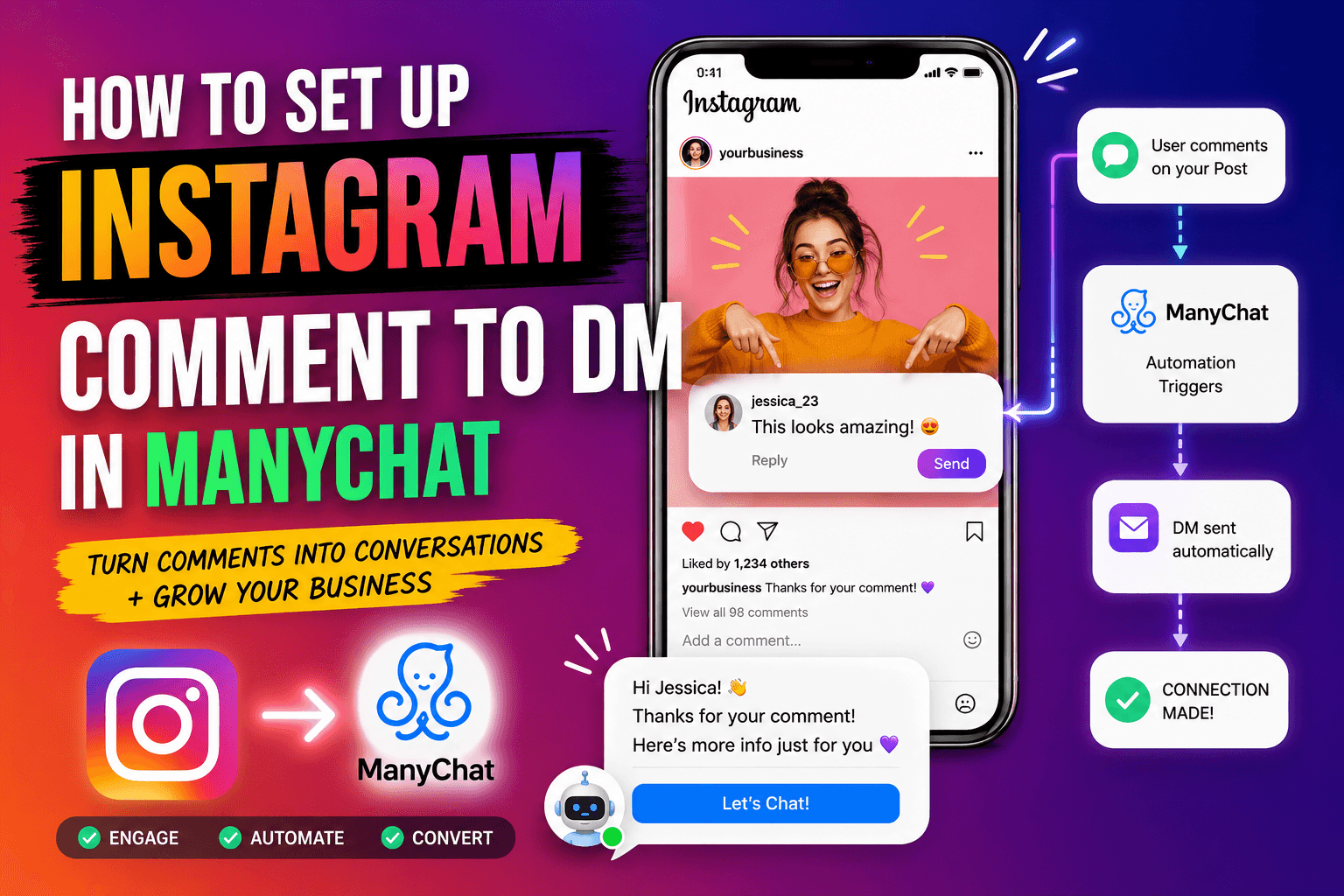
How to set up Instagram comment to DM in ManyChat
Mar 23 2026
Comment-to-DM is the automation ManyChat is known for, and it is the one worth setting up first. Someone comments a keyword on your Reel, ManyChat replies in the comments, then slides into their DMs with whatever you promised: a link, a code, a PDF, a next step. It runs while you sleep, and it is the single highest-converting flow most creators build.
Here is the full setup, start to finish. Budget about 10 minutes for your first one.
What you need before you start
● An Instagram Business or Creator account, not a personal profile.
● A ManyChat account with Instagram connected. The free plan works for testing, though 25 contacts will fill fast once you promote.
● The thing you are delivering: a link, a discount code, a lead magnet, or a booking page.
Convert a personal account to Business first if you need to, inside Instagram settings. ManyChat connects through Meta's official API, so this step is what keeps your automation compliant and your account safe.
Boost Audience Engagement with ManyChat Today!
Step 1: Connect Instagram to ManyChat
In ManyChat, go to Settings, then Channels, and connect Instagram. You log in through Meta and grant the messaging permissions. This is the official API connection, not a browser workaround, which matters: tools that scrape Instagram instead of using the API put your account at risk of restriction. ManyChat is a Meta Business Partner, so this route is the safe one.
Step 2: Start a new automation
Open the Automation menu, click New Automation, and choose to start from scratch or from a comment-to-DM template. Templates are faster for your first build. Pick the Instagram comment-to-DM starter and you get the trigger and the DM step already wired together.
Step 3: Set the trigger
The trigger is the keyword. Choose the post or Reel you want to watch, or set it to fire on any post, then define the keyword people comment to start the flow. Keep it short and obvious: LINK, GUIDE, SALE, the name of your product. Tell your audience the exact word in your caption, because a keyword nobody knows is a flow nobody triggers.
Add a few variations of the keyword so a comment like "link please" still fires. ManyChat lets you list several trigger words for the same flow.
Reply in the comments too
Turn on the public comment reply. When someone comments your keyword, ManyChat posts a visible reply under their comment, something like "Sent, check your DMs." This does two jobs: it confirms to the commenter that something is coming, and it shows every other viewer that your post responds, which pulls more comments. More comments is more reach on Instagram.
Start with the Free Plan Today!
Step 4: Build the DM
Now write the message that lands in their inbox. Keep the first DM human and short. Open with a line that matches what they asked for, then deliver the link or code. A pattern that works:
● Line one: acknowledge them. "Hey, thanks for commenting, here's that guide."
● Line two: the deliverable, as a button. Use a button labeled with the action, like "Get the guide," not a raw URL.
● Line three, optional: one follow-up question to keep the conversation open and qualify them.
Instagram requires the person to reply or interact before you can send certain follow-ups, so that one question in line three is not filler. It opens the door to the rest of your sequence.
Step 5: Add a follow-up (optional but worth it)
Most creators stop at the link. The ones who convert add a follow-up. If the person clicked the button, send a second message a few minutes or a day later: a related offer, a question about their goal, a nudge toward booking or buying. This is where a lead magnet turns into a sale.
Build this with a delay step and a condition. If clicked, send the follow-up. If not, send a gentle reminder. ManyChat's builder handles this branching with drag-and-drop blocks.
Step 6: Test before you publish
Comment your own keyword on the target post from a different account, or use ManyChat's preview. Watch the public reply appear, then check that the DM lands with the button working. Fix anything that reads robotic. Then set the automation live.
Read More: Check Out ManyChat Pricing and Plans Now!
Common mistakes that kill the flow
● Keyword nobody knows. Say it in the caption and on-screen in the Reel.
● Raw links in the first DM. Use a labeled button, it converts better and looks less spammy.
● No public comment reply. You lose the reach boost and the social proof.
● Forgetting the contact cap. On free or Essential, a viral post fills your active contact limit and new people stop getting the DM. Watch your usage and upgrade before a launch.
Why this flow is worth the 10 minutes
A comment-to-DM funnel captures intent at the exact moment someone raises their hand. Compared with paying for ad retargeting to chase the same person later, this workflow often delivers a lower cost per qualified lead, because the person already told you they want the thing. Build it once, promote the keyword in every relevant post, and it runs on its own.
Ready to build yours?
Start a ManyChat trial and set up your first comment-to-DM flow today.
Frequently asked questions
Do I need a paid ManyChat plan for comment-to-DM?
No, the free plan runs comment-to-DM on Instagram. The catch is the 25 active contact cap, which a popular Reel fills quickly. For any real promotion, use the 14-day trial or move to Essential or Pro so contacts keep getting the DM.
Is ManyChat comment-to-DM safe for my Instagram account?
Yes, when set up through ManyChat's official Meta API connection. ManyChat is a Meta Business Partner. The risk comes from tools that bypass the API with scraping or browser automation, not from ManyChat's supported flow.
Why does ManyChat reply in the comments and the DM?
The public comment reply confirms to the commenter that a DM is coming and signals to other viewers that your post responds, which encourages more comments and more reach. The DM delivers the actual link or offer.
Can I send a follow-up message after the first DM?
Yes. Add a delay step and a condition in the flow. Instagram requires the person to interact before certain follow-ups, so ask a question in the first DM to open the conversation, then branch your sequence based on whether they clicked or replied.
What keyword should I use for comment-to-DM?
Keep it short and obvious, like LINK, GUIDE, or SALE, and tell your audience the exact word in the caption and on screen. Add a few variations so phrases like 'link please' still trigger the flow.