
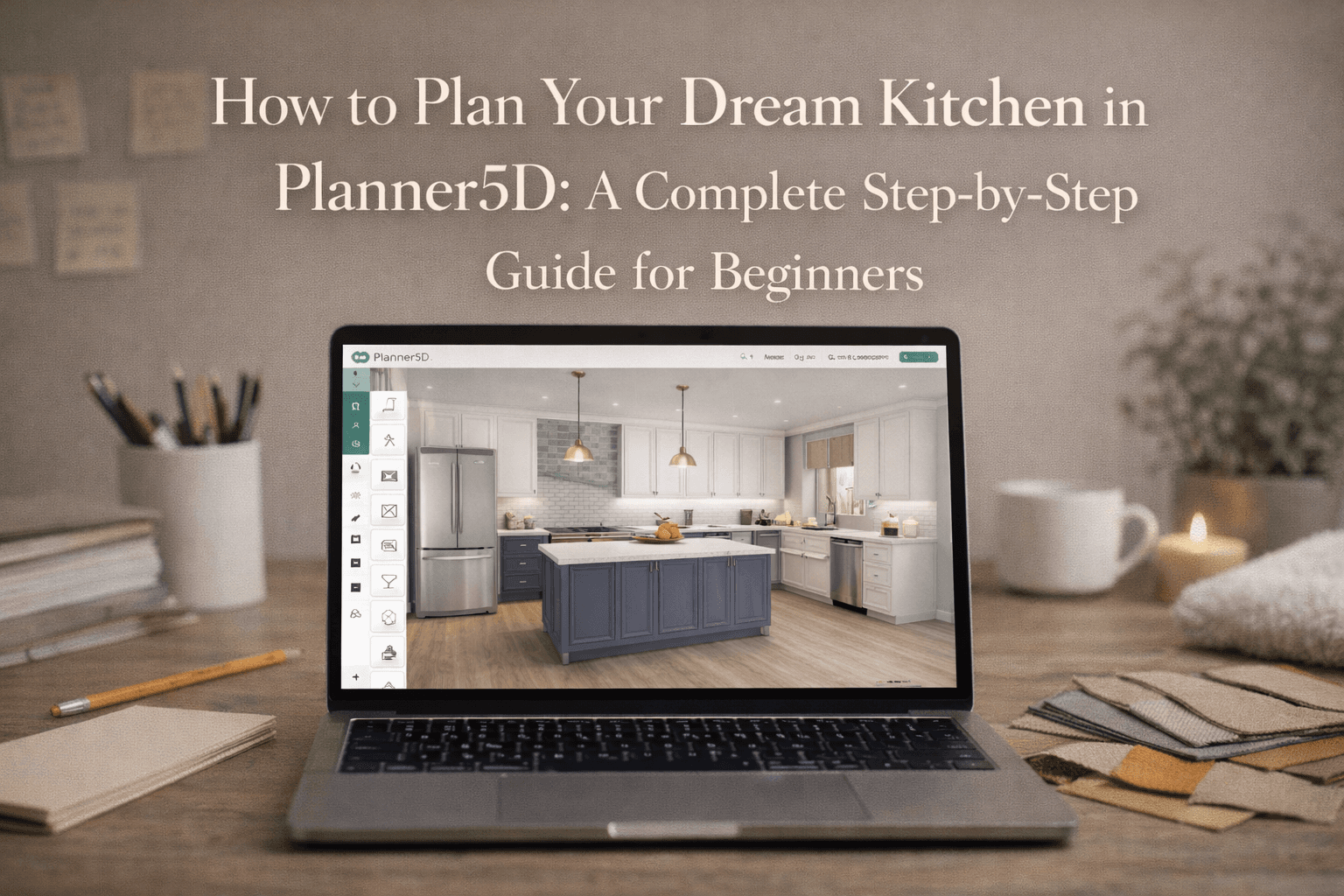
How to Plan Your Kitchen in Planner5D
Jan 24 2026
The kitchen is often called the heart of the home and for good reason.Planning a kitchen that is both beautiful and functional can be challenging, especially if you don’t have design or architectural experience.
This is where Planner5D makes a huge difference. Planner5D allows homeowners, renters, and beginners to design a kitchen visually, test layouts, and experiment with materials before any money is spent on construction or renovation.
Whether you’re working with a compact apartment kitchen or a large open-plan layout, Planner5D gives you clarity and confidence.
In this detailed guide, you’ll learn how to plan your dream kitchen in Planner5D from scratch, with expert layout advice, design principles, common mistakes, and FAQs to help you get it right the first time.
Why Kitchen Planning Is So Important
A poorly planned kitchen can lead to:
Wasted space
Poor workflow
Lack of storage
Uncomfortable movement
Costly remodeling later
A well-planned kitchen, on the other hand:
Improves cooking efficiency
Maximizes storage
Enhances resale value
Makes daily life more comfortable
Planner5D helps you avoid guesswork by letting you see and test your ideas in 2D and 3D before execution.
What Is Planner5D and Why Use It for Kitchen Design?
Planner5D is a home design and floor planning tool that allows you to:
Create accurate 2D layouts
Convert them into realistic 3D designs
Add cabinets, appliances, lighting, and décor
Customize colors, textures, and materials
Key Benefits for Kitchen Planning
No technical or CAD knowledge required
Beginner-friendly drag-and-drop interface
Instant visual feedback
Free version available for basic planning
For first-time homeowners and DIY renovators, Planner5D is one of the easiest ways to plan a kitchen confidently.
Define Your Dream Kitchen Vision
Before opening Planner5D, start with clarity. Ask yourself:
How often do you cook?
Is this kitchen for one person or a family?
Do you need more storage or more counter space?
Do you entertain guests in the kitchen?
Do you prefer modern, traditional, or minimal design?
Write down your priorities. This will guide every decision you make inside Planner5D.
Create a New Kitchen Project in Planner5D
Log in to Planner5D and click Create New Project.
Choose Your Starting Mode
2D Mode: Best for layout planning and measurements
3D Mode: Best for visualization and aesthetics
Pro Tip: Always start in 2D mode to avoid layout mistakes.
Enter Accurate Kitchen Measurements
Accuracy is crucial when designing a kitchen. In Planner5D, you can:
Set wall lengths manually
Adjust wall thickness
Define ceiling height
Measurement Tips
Measure walls from edge to edge
Account for pillars, windows, and doors
Double-check measurements before proceeding
Even small measurement errors can lead to major design issues later.
Choose the Right Kitchen Layout
Your layout determines how efficiently your kitchen functions.
Popular Kitchen Layouts You Can Create in Planner5D
Layout | Best For | Key Benefits |
L-Shaped | Medium to large kitchens | Flexible and open |
U-Shaped | Larger kitchens | Maximum storage |
Galley | Small kitchens | Efficient workflow |
Island | Open layouts | Extra prep & seating |
One-Wall | Studio apartments | Space-saving |
Planner5D allows you to test different layouts quickly and compare them visually.
Apply the Kitchen Work Triangle Principle
The kitchen work triangle is a classic design principle connecting:
Sink
Stove
Refrigerator
In Planner5D, position these three elements so:
They’re not too far apart
There are no obstructions
Movement feels natural
This improves efficiency and reduces fatigue during cooking.
Plan Cabinets and Storage Smartly
Storage is often the biggest challenge in kitchen design.
Cabinet Options in Planner5D
Base cabinets
Wall cabinets
Tall pantry units
Corner cabinets
Smart Storage Tips
Use vertical space up to the ceiling
Avoid dead corner spaces
Mix drawers and shelves
Reserve deep drawers for heavy items
Planner5D lets you resize cabinets and see how they affect space in real time.
Design Countertops and Workspaces
Countertops are your main working area.
Countertop Planning Tips
Keep prep space near the sink
Ensure enough space beside the stove
Avoid cluttered corners
Planner5D allows you to experiment with different countertop lengths and materials until the workflow feels right.
Place Kitchen Appliances Thoughtfully
Appliance placement affects safety, comfort, and usability.
Appliances Available in Planner5D
Refrigerator
Stove and oven
Microwave
Dishwasher
Chimney or range hood
Best Practices
Allow door clearance for appliances
Keep hot and cold zones separate
Ensure proper ventilation
Use 3D mode to confirm everything fits comfortably.
Select Materials, Colors, and Finishes
This is where your kitchen’s personality comes alive.
Customization Options in Planner5D
Cabinet finishes (wood, matte, gloss)
Countertop materials (granite, quartz, marble)
Flooring (tiles, wood, stone)
Wall colors and backsplashes
You can instantly preview different combinations and compare styles without risk.
Add Lighting for Functionality and Mood
Lighting is often overlooked but it’s essential.
Types of Kitchen Lighting
Task lighting: Under cabinets
Ambient lighting: Ceiling lights
Accent lighting: Islands and shelves
Planner5D lets you adjust brightness and placement, helping you design a kitchen that works day and night.
Switch to 3D Mode and Walk Through Your Kitchen
This is one of Planner5D’s most powerful features.
In 3D mode:
Walk through your kitchen virtually
Check spacing and movement
Identify tight areas or awkward placements
Many design issues become obvious only in 3D view.
Optimize, Refine, and Save Versions
Refinement is key to great design.
Make adjustments such as:
Repositioning cabinets
Widening walkways
Changing finishes
Save multiple versions so you can compare options before finalizing.
Common Kitchen Design Mistakes to Avoid
Ignoring workflow principles
Overcrowding appliances
Not planning enough storage
Poor lighting placement
Skipping 3D walkthroughs
Planner5D helps you avoid these mistakes by letting you test ideas safely.
Free vs Paid Planner5D for Kitchen Planning
Feature | Free Version | Paid Version |
2D layouts | Yes | Yes |
3D visualization | Yes | Yes |
Premium items | Limited | Full access |
HD renders | No | Yes |
For most beginners, the free version is more than enough.
Who Should Use Planner5D for Kitchen Design?
Planner5D is ideal for:
First-time homeowners
Renters planning renovations
DIY interior designers
Students learning space planning
FAQs
Is Planner5D suitable for beginners?
Yes, it’s one of the easiest kitchen planning tools available.
Can I design a small kitchen in Planner5D?
Absolutely. It works exceptionally well for compact spaces.
Are Planner5D designs accurate for real kitchens?
They are accurate for planning and visualization, but final execution should involve professionals.
Can I share my kitchen design?
Yes, you can export and share designs easily.
Final Thoughts: Turn Your Dream Kitchen Into Reality
Designing a kitchen doesn’t need to be stressful or expensive. With Planner5D, you can experiment freely, visualise clearly, and make informed decisions before construction begins.
Whether you want a modern, minimal kitchen or a warm, traditional space, Planner5D gives you full creative control without complexity. Ready to Plan Your Dream Kitchen? Open Planner5D today and start designing a kitchen that fits your lifestyle, cooking habits, and future needs.
Check out Planner5D to learn more about the ways to plan your kitchen.