
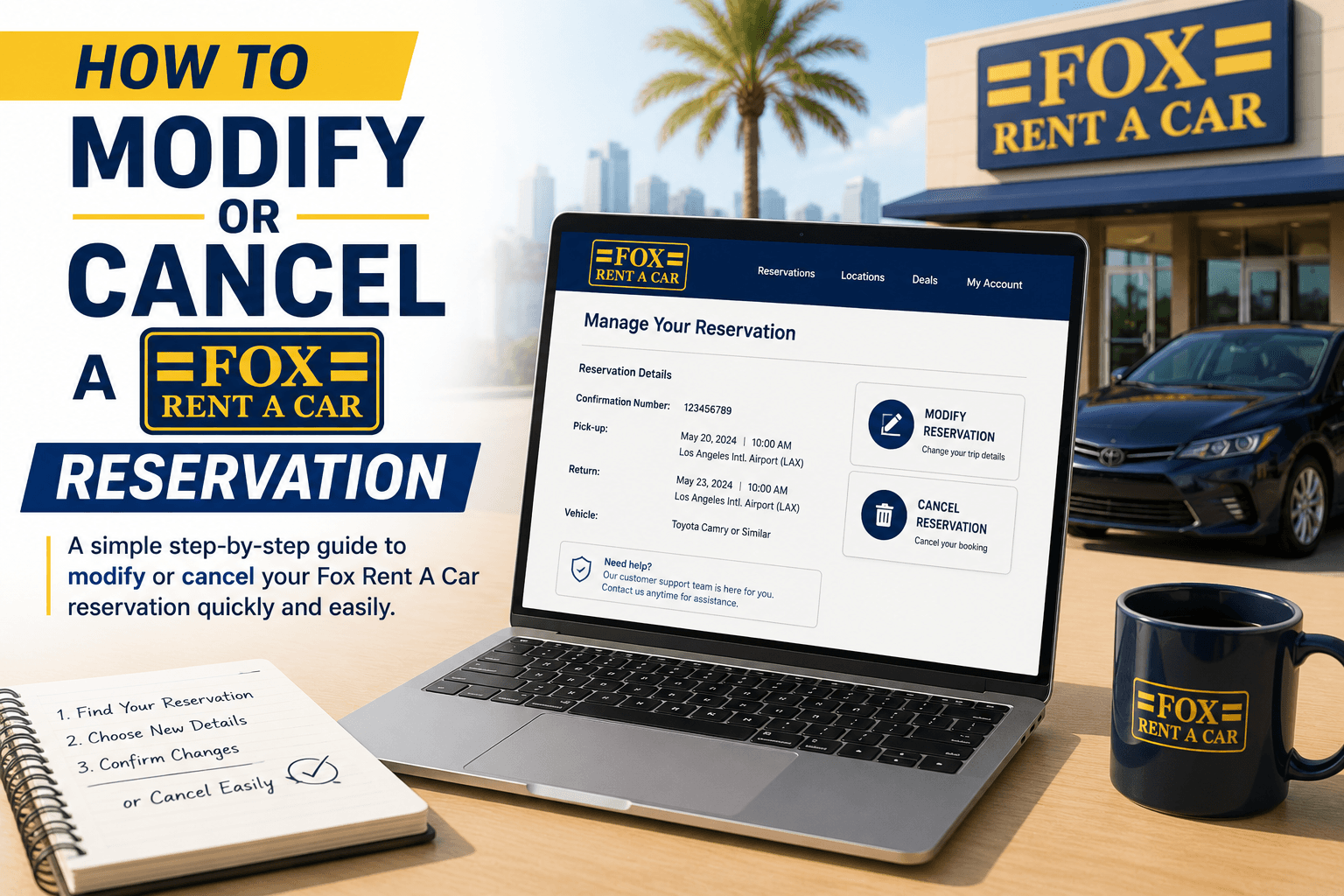
How to Modify or Cancel a Fox Rent A Car Reservation
Apr 15 2026
Travel plans don't always go as expected. You might need to change your pickup time, extend your rental, switch locations, or cancel your reservation altogether. The good news is that Fox Rent A Car allows customers to manage their reservations online, although the available options depend on the type of booking you made.
Whether you booked directly through Fox or a third-party travel website, understanding the modification and cancellation process can help you avoid unnecessary fees and save time.
In this guide, we'll explain how to modify or cancel a Fox Rent A Car reservation, what policies you should know, and tips to make the process easier.
Save More with Verified Fox Rental Discounts
Can You Modify or Cancel a Fox Rent A Car Reservation?
Yes. Fox Rent A Car allows customers to view, modify, extend, or cancel eligible reservations through its online reservation management portal or mobile app. However, the options available depend on your reservation type.
For example:
Pay Later reservations can generally be modified or canceled.
Pay Now (prepaid) reservations usually cannot be modified directly. Instead, you'll need to cancel the reservation and make a new booking.
Before You Make Changes
Keep the following information ready:
Information Required | Why It's Needed |
Reservation number | To locate your booking |
Renter's last name | Booking verification |
Pickup location | For modification requests |
Travel dates | To update reservation details |
Payment information | If additional charges apply |
Having these details ready will make the process much faster.
How to Modify Your Reservation
If your booking qualifies for modifications, follow these steps.
Step 1: Open the Reservation Management Page
Visit the Fox Rent A Car View/Modify/Cancel Reservation page.
Enter:
Reservation number
Last name
Your booking details will appear if the reservation is eligible for online management.
Step 2: Review Your Reservation
Before making changes, confirm your current booking details.
Check:
Pickup date
Pickup time
Return date
Return location
Vehicle category
Step 3: Update Your Reservation
Depending on your booking, you may be able to change:
Pickup time
Return time
Rental duration
Optional add-ons
Contact information
Keep in mind that changing dates or locations may affect pricing and vehicle availability. Some changes may require canceling and creating a new reservation.
Compare Fox Rental Prices Before Making Changes
Step 4: Confirm the Changes
After reviewing the updated reservation:
Confirm the new details.
Review any price differences.
Save your updated reservation.
You'll typically receive a revised confirmation email.
How to Cancel a Fox Rent A Car Reservation
If your travel plans have changed completely, canceling your reservation is straightforward.
Step 1: Access the Cancellation Page
Go to the Fox Rent A Car cancellation page.
Enter:
Reservation number
Last name
This allows Fox to locate your booking.
Step 2: Select Cancel Reservation
Review your reservation carefully before proceeding.
Fox may ask why you're canceling, with options such as:
Found a cheaper rate
Travel plans changed
Flight cancellation
Other reasons
Step 3: Confirm Cancellation
Once you confirm:
Your reservation will be canceled.
A cancellation confirmation will be sent.
Refund eligibility will depend on your reservation type and the applicable rental policy.
Find the Best Fox Rent A Car Deals Today
Pay Now vs Pay Later Reservations
Understanding your booking type is important before making changes.
Reservation Type | Modification | Cancellation |
Pay Later | Usually Allowed | Usually Allowed |
Pay Now (Prepaid) | Generally Not Allowed | Cancel and Rebook Required |
According to Fox, Pay Now reservations cannot be modified directly. If changes are needed, you'll typically have to cancel the booking and make a new reservation at the current rates.
What Happens If You Booked Through Another Website?
Many travelers reserve Fox vehicles through online travel agencies.
If you booked through:
Expedia
Priceline
Booking.com
Kayak
Another travel website
You'll usually need to modify or cancel your reservation through the same platform where you originally booked, as their policies may differ from Fox's.
Will You Receive a Refund?
Refunds depend on several factors:
Reservation type
Cancellation timing
Rental location
Local rental policy
For many prepaid reservations at Fox corporate locations, cancellations made 48 hours or more before pickup may qualify for a refund, while cancellations within 48 hours can result in forfeiture of the prepaid amount unless additional cancellation protection was purchased. Policies can vary by location.
Tips Before Modifying or Canceling
Here are a few helpful tips:
Review your reservation carefully before making changes.
Check whether your booking is Pay Now or Pay Later.
Read the cancellation policy for your pickup location.
Save your cancellation confirmation email.
Compare current prices before canceling and rebooking.
These simple steps can help avoid unexpected charges.
Book Smarter with Exclusive Fox Rental Offers
Common Mistakes to Avoid
Mistake | Better Approach |
Waiting until the last minute | Modify or cancel as early as possible |
Ignoring cancellation policies | Read the rental terms first |
Canceling through the wrong website | Use the original booking source |
Forgetting the confirmation email | Save all reservation updates |
Assuming all bookings are refundable | Verify your booking type first |
Final Thoughts
Changing or canceling a Fox Rent A Car reservation is generally straightforward when you understand your booking type and the applicable policies. Pay Later reservations typically offer more flexibility, while Pay Now reservations often require cancellation and a new booking if you need to make changes.
If you booked directly with Fox, you can usually manage your reservation through the online portal or mobile app. If you booked through a third-party travel website, remember to use that same platform for any modifications or cancellations.
Before making changes, review the rental terms carefully, check for any applicable fees, and compare current rental prices. Planning ahead can help you avoid unnecessary costs and make your travel experience much smoother.
Explore Today's Best Fox Rent A Car Offers
Frequently Asked Questions
Can I modify my Fox Rent A Car reservation online?
Yes. Eligible reservations can be managed through Fox's reservation management page or mobile app. However, prepaid Pay Now reservations generally cannot be modified directly.
Can I cancel a prepaid reservation?
Yes, but refund eligibility depends on your pickup location's cancellation policy and when you cancel.
What if I booked through Expedia or another travel website?
You'll usually need to manage your reservation through the same booking platform where it was originally made.
Will changing my reservation affect the price?
Possibly. Changes to dates, times, or locations may result in different pricing based on current rental rates and availability.
Can I extend my rental?
Yes. Eligible rentals may be extended through Fox's reservation management tools or by contacting the rental location, subject to vehicle availability.