
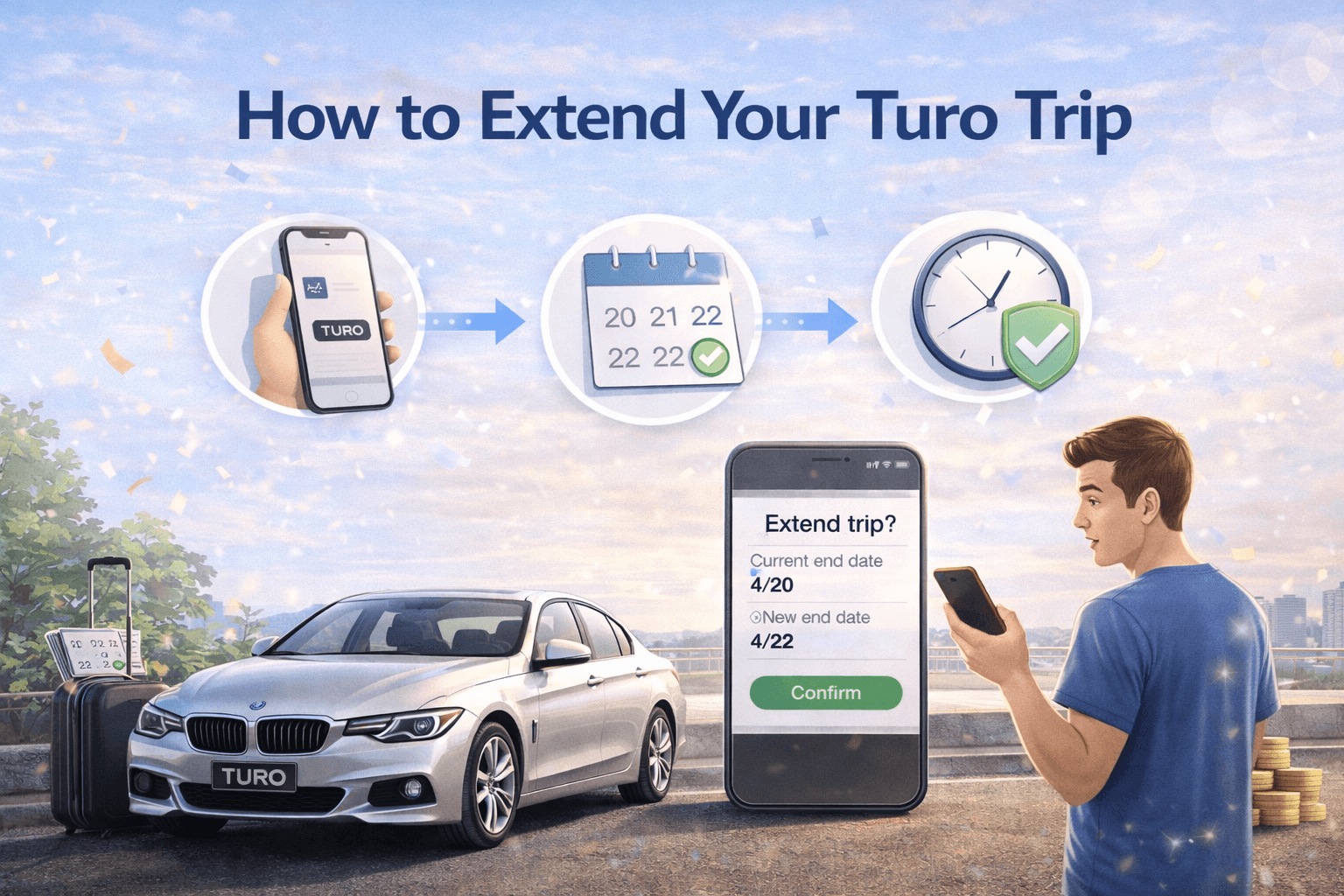
How to Extend Your Turo Trip
Jan 22 2026
Plans change. Maybe you found a hidden beach, added a road trip stop, or just don’t want to rush back to return the car. Whatever the reason, extending your Turo trip is totally possible and surprisingly easy when you know the right steps.
This guide explains exactly how to extend your Turo rental, what happens behind the scenes, common problems to avoid, and smart tips to make sure your extension gets approved smoothly.
Can You Extend a Turo Trip?
Yes. Turo allows renters to request trip extensions directly through the app or website. However, approval depends on:
Host availability
Whether the car is booked by another renter
Your payment method status
How early you submit the request
The earlier you ask, the better your chances.
Step 1: Open Your Active Trip in the Turo App
To begin the extension process:
Open the Turo app or website
Go to “Trips”
Select your current active booking
This opens your trip dashboard.
Step 2: Tap “Modify Trip” or “Extend Trip”
Inside your trip details:
Look for the option labelled “Modify Trip” or “Extend Trip”
Select the new return date and time you want
Turo will instantly calculate updated pricing.
Step 3: Review the New Cost
Before submitting:
Check the updated total price
Review any additional fees
Confirm insurance coverage continues
Extensions are charged at the host’s current daily rate, not necessarily your original price.
Tip: Extending earlier usually locks in better rates.
Step 4: Submit Extension Request
After reviewing pricing:
Click “Submit”
Your host will receive the request
At this point, the extension is pending approval.
Step 5: Wait for Host Approval
The host decides whether to approve your request.
Approval depends on:
Their personal schedule
Whether the car is booked next
Their flexibility
Most hosts respond quickly, especially if you request early. Once approved, your trip is automatically updated in the app.
What Happens If the Host Approves?
Once approved:
Your new return time becomes active
Payment is processed automatically
Insurance coverage continues
You can keep driving without worry
No extra steps needed.
What If the Host Declines Your Extension?
This happens sometimes, especially during busy seasons.
If declined:
You must return the car at the original time
You can book another vehicle if needed
Late returns without approval can result in penalties
Always respect the original booking time if the extension is denied.
How Much Does It Cost to Extend a Turo Trip?
Extension pricing depends on:
Daily rate at the time of extension
Demand level
Host pricing rules
Protection plan selection
In some cases, extending can unlock multi-day discounts, making the extension cheaper per day.
Check monthly car rentals and save up to $1500.
Can You Extend After the Trip Has Started?
Yes. You can request an extension during an active trip as long as:
You submit before your scheduled return time
The host approves
The vehicle isn’t already booked
Waiting until the last minute reduces your chances.
What If You Need a Same-Day Extension?
Same-day extensions are possible but riskier.
To improve approval chances:
Message the host directly
Explain your situation politely
Submit the request early in the day
Good communication helps a lot.
Important Rules About Trip Extensions
Here’s what you should know:
You Must Get Approval
Driving past your return time without approval counts as a late return and can lead to:
Late fees
Penalties
Account warnings
Always extend officially in the app.
Insurance Only Covers Approved Time
Your protection plan only applies during the booked trip period.
If you drive after your scheduled return time without approval, you may not be covered.
Payment Must Be Successful
If your payment method fails:
Extension won’t activate
You’ll need to update payment details
Host approval may be delayed
Make sure your card has sufficient funds.
Best Tips to Get Your Extension Approved
Ask Early
Requesting extensions early gives hosts time to adjust their schedule.
Communicate Clearly
Send a polite message explaining:
Why do you need more time
How long do you want to extend
When you return
Hosts appreciate transparency.
Maintain Good Renter Behaviour
Clean driving history, timely returns, and good reviews increase host trust.
Avoid Peak Demand Times
Extensions during holidays and weekends are harder to approve because hosts often have back-to-back bookings.
Can You Shorten a Trip Instead of Extending?
Yes. You can also modify trips to return earlier.
However:
Refunds depend on cancellation and modification policies
Some hosts apply minimum booking rules
Always check the updated price breakdown before confirming changes.
Common Mistakes to Avoid When Extending
Avoid these errors:
Waiting until the last hour
Assuming approval is automatic
Not checking new pricing
Ignoring host messages
Forgetting to submit officially
These mistakes cause unnecessary stress.
What If You Need to Extend Multiple Times?
You can request multiple extensions as long as:
The host keeps approving
The vehicle remains available
Payment processes successfully
However, repeated extensions may be limited during busy booking periods.
Real-World Example
You booked a 3-day trip but decide to stay two more days.
Correct approach:
Open app
Request extension for new return date
Host approves
Payment updates
Trip continues normally
Incorrect approach:
Keep the car without approval
Return late
Risk penalties and account issues
Always use the app.
Is Extending a Turo Trip Easy?
For most renters, yes.
The process is:
Quick
App-based
Transparent
Automated
As long as the car is available and the host agrees, extending is simple.
Final Thoughts: Extend Smart and Travel Stress-Free
Extending your Turo trip is straightforward when done properly. The key is early communication, official in-app requests, and respecting host availability.
If you plan ahead and follow the steps above, you can extend your rental smoothly and continue your trip without hassle.