
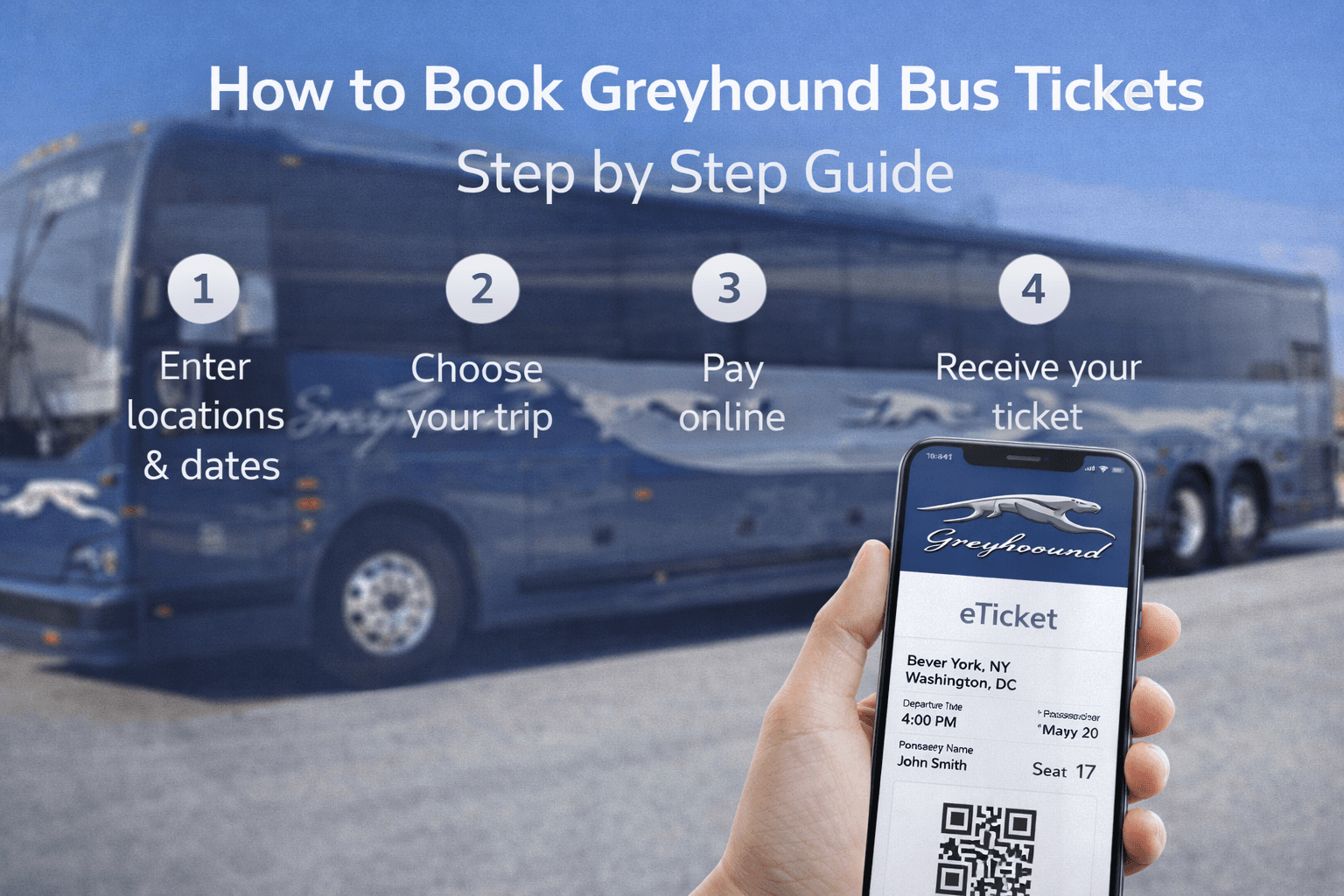
How to Book Greyhound Bus Tickets Step by Step Guide
Jan 06 2026
Travelling across North America has never been more accessible. Whether you’re heading home for the holidays, embarking on a cross-country adventure, or visiting a nearby city, Greyhound remains one of the most reliable and budget-friendly ways to get there.
In 2026, Greyhound streamlined its booking process through a major partnership with FlixBus, making it easier than ever to grab a seat from your phone or computer. If you’re wondering how to navigate the new system, this guide will walk you through exactly how to book Greyhound bus tickets step by step.
Why Book Greyhound?
Before we dive into the "how," let’s look at the "why." Greyhound has undergone a massive upgrade recently.
Modern Fleet: Many routes now feature the 2026 redesign with memory-foam seats, extra legroom, and faster Wi-Fi.
Huge Network: Access to over 2,300 destinations across the U.S., Canada, and Mexico.
Eco-Friendly: New hybrid engine systems on several major routes make bus travel a greener choice than flying.
Paperless Travel: No more printer hunting; just show the QR code on your phone.
Step-by-Step: How to Book Your Ticket Online
The most popular way to book is via the Greyhound website or the Greyhound mobile app.
Step 1: Enter Your Trip Details
Go to Greyhound.com or open the app. Enter your Departure City, Destination, and Travel Date. You can also choose between a "One Way" or "Round Trip."
Step 2: Compare Schedules and Carriers
In 2026, you will see both Greyhound (blue/grey buses) and FlixBus (bright green buses) results. They share the same booking platform, so you can pick whichever time or price suits you best.
Step 3: Choose Your Fare Type
Greyhound has simplified its tickets into a single, straightforward digital type, but you can still choose "Economy" or "Premium" classes on select 2026 models.
Tip: Look for the "Web Only" fares. These are often $5–$15 cheaper than buying at the station.
Step 4: Pick Your Seat
You can now select your preferred seat for a small fee. Whether you want a window seat for the views or an aisle for extra space, the choice is yours. If you don't pick one, Greyhound will assign one to you for free.
Step 5: Add Baggage and Extras
You get one carry-on and one stowed bag for free. If you’re bringing a second suitcase or an oversized item (like a bike or surfboard), add it now to avoid higher fees at the boarding gate.
Step 6: Payment and Confirmation
Pay with a credit card, debit card, or Pix (for international travellers). Once confirmed, your ticket will be sent to your email as a PDF. Save this to your phone.
Check routes and book your Greyhound Ticket now.
Alternative Ways to Book
If you don’t want to book online, Greyhound offers several offline options:
Self-Service Kiosks: Available at most major terminals.
In-Person at the Station: You can pay with cash or card at the ticket counter.
By Phone: Call 1-800-231-2222 (U.S. toll-free) to book with a representative.
Retail Locations: You can now pay for your online reservation with cash at over 32,000 retail locations, including Walmart, 7-Eleven, and CVS.
Greyhound Fare Comparison
Feature | Economy Fare | Premium/Flexible Fare |
Price | Lowest Available | Slightly Higher |
Change Policy | Fees apply for changes | Free changes/Rescheduling |
Refunds | Non-refundable | Refundable as a voucher |
Boarding | General Boarding | Priority Boarding |
Seat Selection | Paid Add-on | Included |
Pro Tips for First-Time Travellers
Boarding: Arrive at least 20-30 minutes early. Greyhound buses leave exactly on time.
Track Your Bus: Use the Live Trip Map in the app to see exactly where your bus is and if there are any traffic delays.
Comfort: Bring a small neck pillow and a light jacket. Even in summer, the bus air conditioning can be quite cool!
Conclusion: Book with Confidence
Booking a Greyhound bus ticket in 2026 is a quick, digital, and stress-free process. By using the app and booking in advance, you can secure some of the lowest travel prices in North America.
Click here to check Greyhound ticket prices
Frequently Asked Questions
Do I need a physical ID to board?
Yes. Even with a digital ticket, you must present a valid, government-issued photo ID (Driver’s License, Passport, or State ID). For cross-border trips to Canada or Mexico, a Passport is mandatory.
Can I use a promo code?
Absolutely. Check the "Deals & Promos" page on Greyhound’s site. Students, veterans (via WeSalute), and seniors often get a 10% discount.
What if I miss my bus?
If you have a standard Economy ticket, it is usually "use it or lose it." However, if you have a Flexible Fare, you can often reschedule your trip via the "Manage My Booking" tool up to 15 minutes before departure.
Is there Wi-Fi and power onboard?
Yes, most 2026 Greyhound models are equipped with free high-speed Wi-Fi and individual power outlets at every seat.