
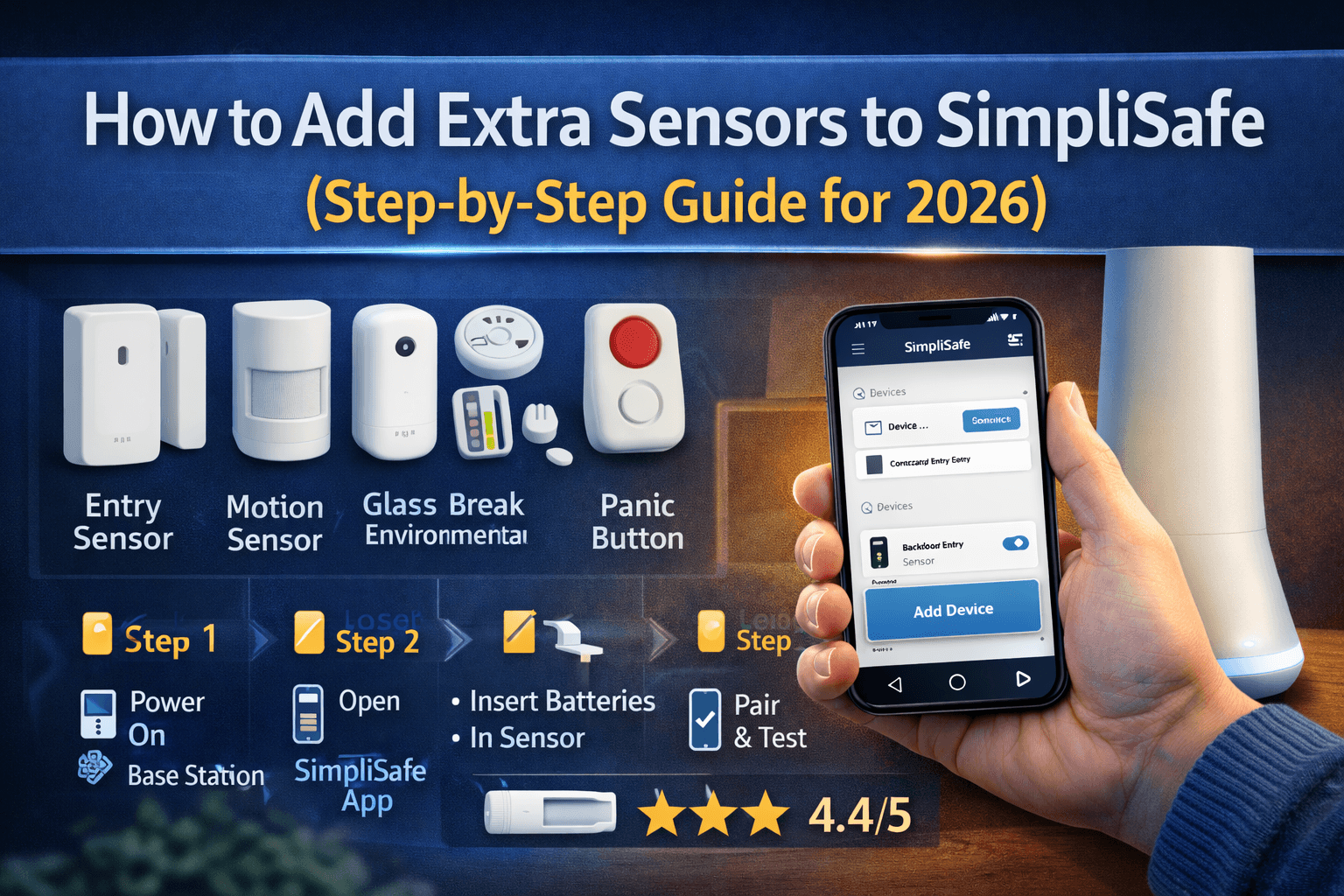
How to Add Extra Sensors to SimpliSafe
Feb 18 2026
Adding extra sensors to your SimpliSafe system is one of the easiest ways to improve your home security. Whether you’re expanding coverage to new rooms, adding protection to windows, or securing your garage, SimpliSafe makes the process simple and DIY-friendly.
In this guide, you’ll learn exactly how to add extra sensors to your SimpliSafe system, which sensors to choose, and tips to ensure everything works smoothly.
Why Add Extra Sensors to SimpliSafe?
There are several reasons homeowners expand their SimpliSafe setup:
Moving to a larger home
Adding new entry points (garage, basement, patio doors)
Increasing window protection
Improving motion detection coverage
Creating separate zones for better monitoring
SimpliSafe systems are designed to be expandable, so you can add sensors anytime without replacing your base system.
Types of SimpliSafe Sensors You Can Add
Before installation, choose the right sensor for your needs:
1. Entry Sensors
Used for doors and windows. They trigger an alert when opened.
2. Motion Sensors
Detect movement inside your home.
3. Glass Break Sensors
Detect the sound of breaking glass.
4. Environmental Sensors
Smoke detectors
Carbon monoxide detectors
Water leak sensors
Temperature/freeze sensors
5. Panic Buttons
Provide instant emergency alerts.
Click here to get the SimpliSafe plans now.
How to Add Extra Sensors to SimpliSafe (Step-by-Step)
Step 1: Power On Your Base Station
Make sure your SimpliSafe Base Station is plugged in and connected.
Step 2: Open the SimpliSafe App
Log in to your account
Go to “Devices”
Tap “Add Device”
Step 3: Insert Batteries into the New Sensor
Most sensors activate automatically once batteries are inserted.
Step 4: Pair the Sensor
Follow the on-screen instructions in the app. The Base Station will confirm once paired.
Step 5: Name and Assign Location
Label it clearly (e.g., “Back Door” or “Garage Window”).
Step 6: Test the Sensor
Open the door/window or trigger motion to confirm alerts work properly.
Can You Add Sensors Without the App?
Yes. You can also use the keypad:
Press Menu
Enter your PIN
Select “Devices”
Choose “Add Device”
Follow the pairing instructions
Tips for Best Performance
Keep entry sensors aligned properly
Avoid placing motion sensors near HVAC vents
Test sensors monthly
Replace batteries when notified
Place glass break sensors within the recommended range
How Many Sensors Can SimpliSafe Support?
SimpliSafe systems typically support dozens of sensors (varies by model). Most homeowners never reach the maximum limit.
Do You Need a Monitoring Plan to Add Sensors?
No. You can add sensors without a professional monitoring plan. However, monitoring enhances protection by providing a 24/7 emergency response.
Final Thoughts
Adding extra sensors to SimpliSafe is quick, affordable, and completely DIY. Whether you’re strengthening your entry points or adding environmental protection, expanding your system takes just a few minutes.
If you’re serious about home security in 2026, adding the right sensors can significantly improve protection and peace of mind.