
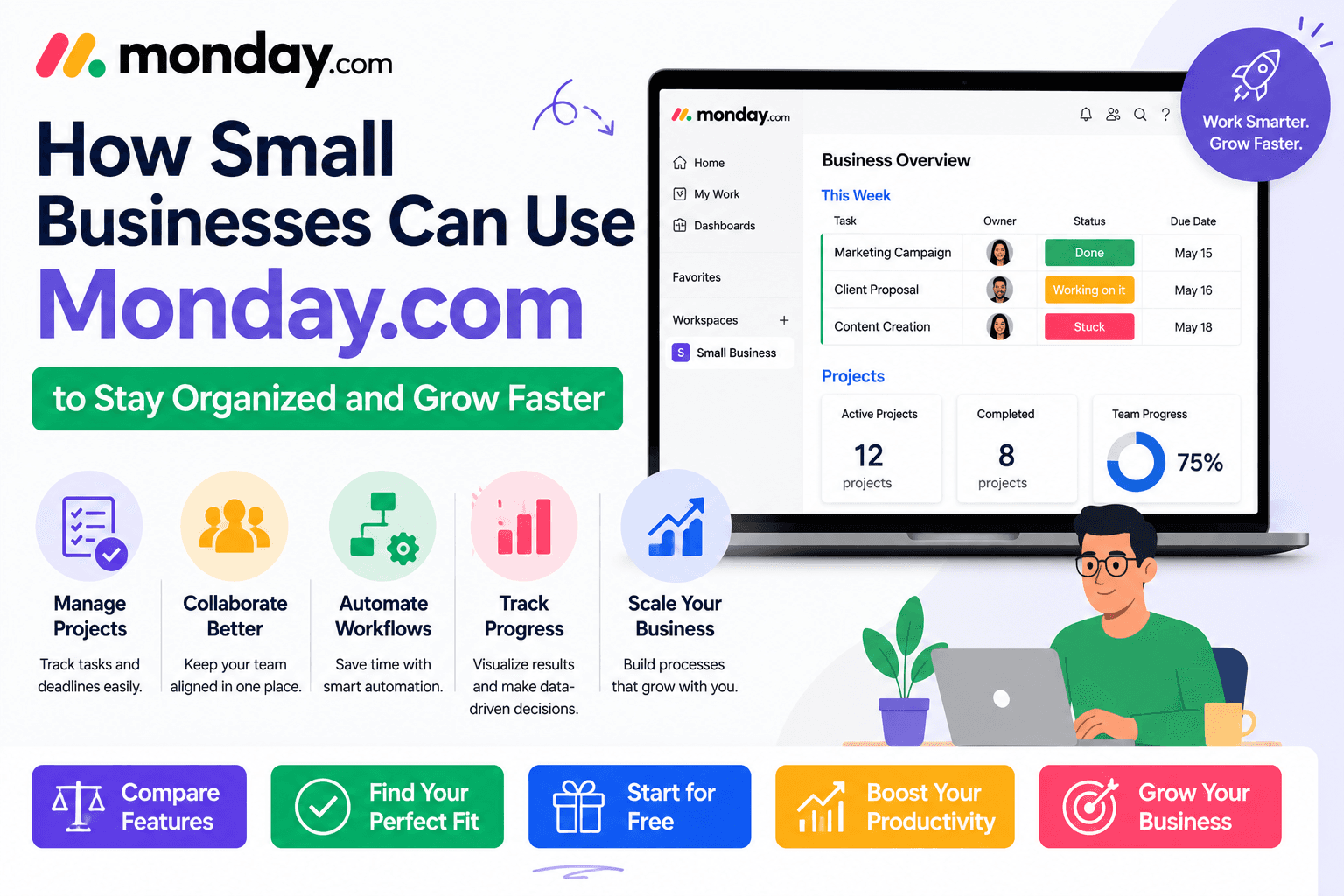
How Small Businesses Can Use Monday com
Apr 10 2026
Running a small business often means wearing multiple hats. One day you're following up with customers, the next you're managing inventory, planning marketing campaigns, tracking invoices, and coordinating with your team. As your business grows, keeping everything organized becomes increasingly difficult.
Many small businesses start with spreadsheets, sticky notes, and endless email threads. While these tools may work initially, they quickly become inefficient as projects become more complex and teams expand.
That's where Monday.com comes in.
Monday.com is more than just a project management tool—it's a flexible Work Operating System (Work OS) that helps businesses organize workflows, automate repetitive tasks, improve collaboration, and manage operations from one centralized platform.
Whether you own a marketing agency, an online store, a consulting business, or a local service company, Monday.com can help you work smarter instead of harder.
In this guide, we'll explore how small businesses can use Monday.com to simplify daily operations and create scalable processes for long-term growth.
Why Small Businesses Need a Work Management Platform
Small businesses typically operate with limited resources. Employees often juggle multiple responsibilities, making organization and communication essential.
Without a structured system, businesses commonly face issues such as:
Missed deadlines
Poor communication
Lost customer information
Duplicate work
Unclear task ownership
Difficulty tracking progress
Manual follow-ups
A platform like Monday.com helps solve these challenges by keeping all work, communication, and project data in one place.
What Makes Monday.com Ideal for Small Businesses?
Unlike traditional project management software designed primarily for large enterprises, Monday.com is flexible enough for businesses with just a few employees.
Some of its biggest advantages include:
Easy-to-use interface
No coding required
Customizable workflows
Built-in automation
Real-time collaboration
Cloud-based access
Hundreds of ready-made templates
Scalable as your business grows
This means you can start with simple workflows today and expand them as your business evolves.
1. Manage Projects in One Centralized Workspace
One of the most common uses for Monday.com is project management.
Instead of relying on scattered spreadsheets or multiple apps, you can create project boards that contain everything your team needs.
Each project can include:
Tasks
Deadlines
Team members
Priority levels
File attachments
Comments
Progress tracking
Budget information
For example, if you're launching a new product, your board can track every step—from market research and design to manufacturing and marketing—ensuring nothing falls through the cracks.
2. Keep Your Team Organized
Even small teams benefit from clear task assignments and visibility.
With Monday.com, you can:
Assign tasks to employees
Set due dates
Track progress in real time
Receive automatic notifications
Monitor workloads
View completed and pending work
This eliminates confusion about who's responsible for what and keeps everyone accountable.
3. Build a Simple CRM
Customer relationships are the foundation of every successful small business.
Instead of purchasing separate CRM software, many businesses use Monday.com to manage:
Leads
Prospects
Customers
Sales opportunities
Follow-up reminders
Contact information
Sales pipelines
You can even automate reminders so no potential customer is forgotten.
4. Plan Marketing Campaigns
Marketing involves many moving parts, including content creation, social media, email campaigns, advertising, and analytics.
Monday.com allows marketing teams to manage:
Content calendars
Blog schedules
Social media posts
Campaign timelines
Design approvals
Budget tracking
Performance reporting
Using a shared board ensures everyone knows what's being worked on and when it's due.
5. Automate Repetitive Tasks
One of Monday.com's biggest strengths is workflow automation.
Instead of manually updating projects, you can automate routine actions.
Examples include:
Assign tasks automatically
Send deadline reminders
Notify managers when work is complete
Move completed tasks to another stage
Create recurring weekly tasks
Update statuses automatically
These automations reduce manual work and free up time for more important business activities.
6. Improve Team Collaboration
Communication is easier when conversations happen alongside the work itself.
Rather than searching through emails or chat messages, employees can:
Leave comments on tasks
Tag teammates
Share files
Ask questions
Track activity history
Everything related to a project stays in one place, making collaboration more efficient.
Automate Everyday Business Tasks
7. Manage Client Work
If your business serves multiple clients, keeping projects organized is essential.
You can create separate boards for each client and track:
Contracts
Deliverables
Deadlines
Invoices
Feedback
Revisions
Meeting notes
This helps ensure every client receives consistent service without mixing up information.
8. Track Business Goals
Growth doesn't happen by accident, it requires clear objectives.
Monday.com dashboards allow business owners to monitor:
Monthly revenue
Sales targets
Marketing performance
Customer acquisition
Project completion rates
Team productivity
Having this information in one place makes it easier to measure progress and make informed decisions.
9. Simplify Employee Onboarding
Hiring new employees involves several repetitive tasks.
With Monday.com, you can create onboarding checklists that include:
Document collection
Account creation
Equipment setup
Training sessions
Policy reviews
First-week tasks
Automating this process ensures every new hire has a consistent onboarding experience.
10. Monitor Deadlines with Multiple Views
Different projects require different perspectives.
Monday.com offers several views, including:
View | Best For |
Table | Daily task management |
Kanban | Workflow tracking |
Calendar | Marketing and events |
Timeline | Long-term planning |
Gantt | Project scheduling |
Dashboard | Performance reporting |
Workload | Team capacity planning |
Switching between views helps business owners understand projects from multiple angles without changing the underlying data.
Industries That Can Benefit from Monday.com
Monday.com is flexible enough to support a wide range of industries.
It works particularly well for:
Marketing agencies
Retail businesses
E-commerce stores
Consulting firms
Law offices
Real estate agencies
Accounting firms
Healthcare clinics
Construction companies
Educational organizations
Event planners
Non-profit organizations
Because workflows are fully customizable, each business can tailor the platform to its specific needs.
Tips for Small Businesses Using Monday.com
If you're new to the platform, these best practices can help you get started:
Start Small
Don't try to build dozens of boards immediately. Begin with one or two key workflows and expand as your team becomes comfortable.
Use Templates
Monday.com offers ready-made templates for project management, CRM, marketing, HR, and more, saving you setup time.
Standardize Status Labels
Use consistent status names and colors across all boards to make projects easier to understand.
Review Dashboards Weekly
Regularly checking dashboards helps identify bottlenecks, overdue tasks, and workload imbalances before they become bigger problems.
Automate Routine Processes
Look for repetitive tasks, such as reminders or status updates, and automate them to reduce manual work.
Common Mistakes to Avoid
While Monday.com is easy to use, small businesses should avoid these common pitfalls:
Creating too many separate boards for related projects
Overcomplicating workflows with unnecessary columns
Ignoring automations that could save time
Failing to update task statuses regularly
Not training employees on how to use the platform consistently
Leaving completed projects active instead of archiving them
Keeping your workspace clean and organized will make the platform much more effective.
Pros and Cons for Small Businesses
Pros
Easy for beginners to learn
Highly customizable workflows
Excellent collaboration features
Saves time through automation
Scales as your business grows
Wide range of templates
Cloud-based access from anywhere
Cons
Advanced features are available on higher-tier plans
Costs can increase as your team expands
Some customization requires initial setup time
Is Monday.com Worth It for Small Businesses?
For most small businesses, the answer is yes.
Monday.com combines project management, task tracking, collaboration, automation, and reporting into one easy-to-use platform. Instead of switching between multiple apps, you can manage daily operations from a single workspace.
Its flexibility makes it suitable for businesses in almost any industry, and the ability to start with simple workflows means you don't need to overhaul your entire operation overnight.
As your business grows, Monday.com grows with you, adding more advanced automations, dashboards, and integrations when you need them.
Frequently Asked Questions
Is Monday.com suitable for very small businesses?
Yes. Even solo entrepreneurs and businesses with just a few employees can use Monday.com to manage projects, clients, and daily tasks.
Can Monday.com replace spreadsheets?
For many businesses, yes. It offers better organization, collaboration, automation, and reporting while still allowing you to manage data in a familiar tabular format.
Does Monday.com work for remote teams?
Absolutely. Because it's cloud-based, employees can access projects, update tasks, and collaborate from anywhere.
Can I manage customers in Monday.com?
Yes. Many small businesses use Monday.com as a lightweight CRM to track leads, contacts, follow-ups, and sales opportunities.
Is Monday.com difficult to set up?
Not at all. The platform includes ready-made templates, drag-and-drop customization, and an intuitive interface that makes it easy to get started.
Final Thoughts
Running a small business requires balancing countless responsibilities, from serving customers to managing projects and keeping your team aligned. Monday.com simplifies these everyday challenges by bringing tasks, communication, workflows, and reporting into one organized platform.
Whether you're looking to improve collaboration, automate repetitive work, manage client relationships, or gain better visibility into your business, Monday.com offers the flexibility to adapt to your unique needs. Start with a simple setup, explore its built-in templates and automations, and scale your workspace as your business grows.