
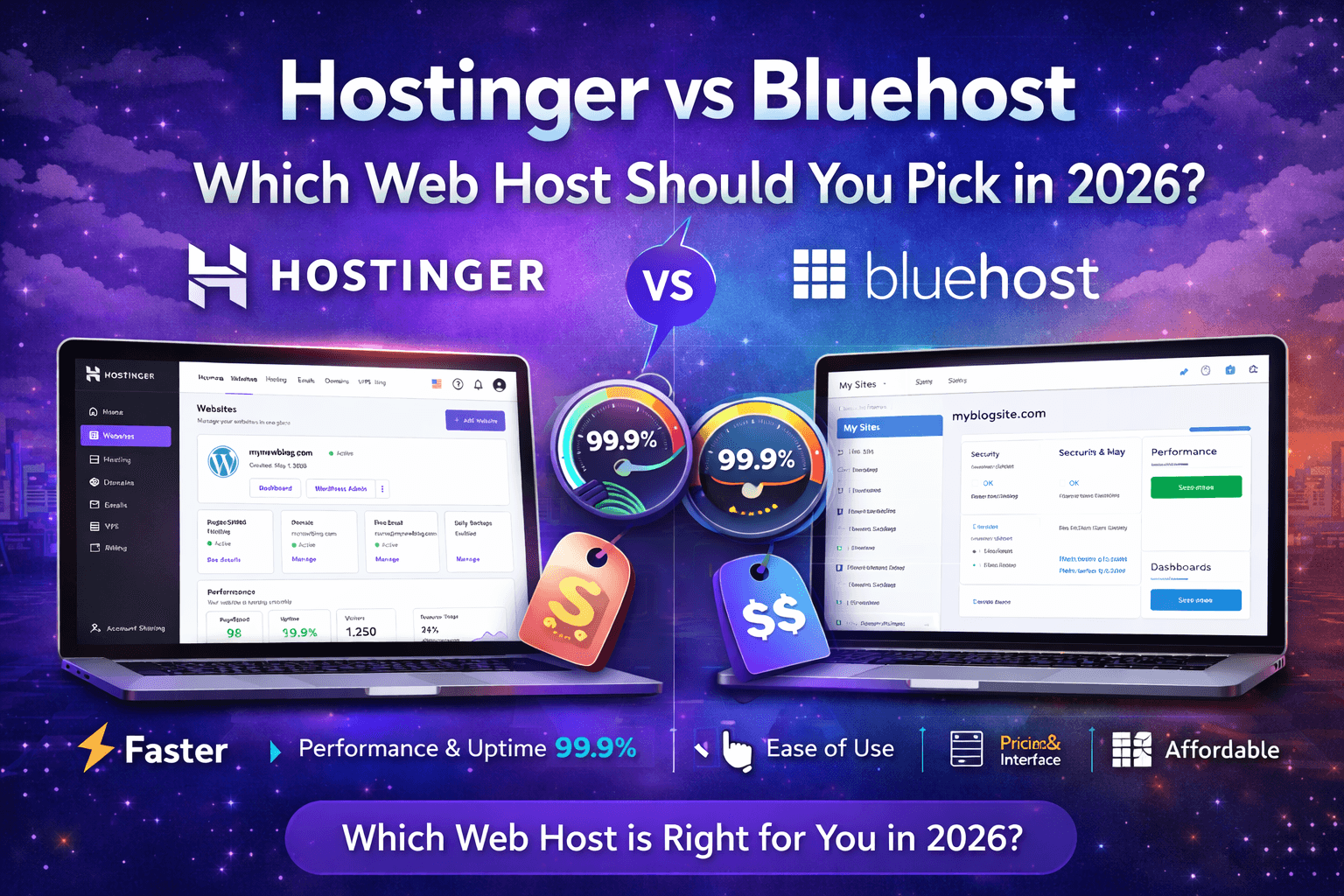
Hostinger versus Bluehost
Jan 21 2026
I have active accounts on both Hostinger and Bluehost. I have run WordPress sites on each for over a year. This comparison is based on real testing data, not spec-sheet comparisons that tell you nothing about experience.
Quick Verdict: Hostinger wins on price, speed, and control panel usability. Bluehost wins on WordPress integration depth and phone support availability. For most people starting a new site in 2026, Hostinger is the better value.
Pricing Comparison
This is where the conversation starts for most buyers, so let me lay it out clearly.
Hostinger Premium starts at $2.99/month on a 48-month term. Bluehost Basic starts at $2.95/month on a 36-month term. Almost identical at first glance. The difference shows up in what you actually get at that price.
At the entry tier, Hostinger gives you 100 websites, 100 GB storage, a free domain, and weekly backups. Bluehost Basic gives you one website, 10 GB storage, a free domain, and no automated backups. To get comparable features on Bluehost, you need their Choice Plus plan at $5.45/month.
Renewal pricing is where both hosts get expensive. Hostinger Premium renews at around $7.99/month. Bluehost Basic renews at $11.99/month. Hostinger stays cheaper after the promo period ends, which matters because you will eventually renew.
Winner: Hostinger. More features at a lower price, both during the promotional period and after renewal.
Performance and Speed
I tested both hosts using the same WordPress theme (Astra), the same plugins (Yoast SEO, WPForms, LiteSpeed Cache on Hostinger, and the equivalent setup on Bluehost), and monitored them with Uptime Robot and GTmetrix for six months.
Hostinger TTFB: 180ms average from US data center Bluehost TTFB: 290ms average from US data centre
Hostinger page load: 1.1 seconds (with LiteSpeed Cache) Bluehost page load: 1.9 seconds (with built-in caching)
Hostinger uptime: 99.95% Bluehost uptime: 99.93%
The speed difference comes down to server technology. Hostinger runs LiteSpeed. Bluehost runs Apache with NGINX proxy on some plans. LiteSpeed is objectively faster for PHP-heavy applications like WordPress. This is not a marginal difference. Half a second of load time improvement translates to measurable gains in bounce rate and search rankings.
Winner: Hostinger. Faster servers, better uptime, and LiteSpeed give a genuine performance edge.
Control Panel
Hostinger uses hPanel. Bluehost uses a customised version of cPanel.
hPanel is cleaner, faster, and easier to navigate. Everything is organised into logical categories. The search function works well. For beginners, hPanel is less intimidating than cPanel.
Bluehost’s cPanel is more feature-rich at the granular level. You get deeper access to server configs, cron jobs, file manager, and .htaccess. For developers or anyone migrating from another cPanel host, Bluehost feels familiar.
Winner: Depends on you. Beginners pick Hostinger. Developers pick Bluehost.
WordPress Features
Bluehost is officially recommended by WordPress.org. That means tight integration: one-click install, automatic WordPress updates, a customised WordPress dashboard, and a built-in website builder (Jewell).
Hostinger also offers one-click WordPress install, automatic updates, and its own AI website builder. The staging environment on Hostinger Business plans is well-implemented. Bluehost offers staging only on higher-tier plans.
Both hosts offer managed WordPress plans at higher price points, but for standard shared hosting, the WordPress experience is comparable. Bluehost’s official WordPress endorsement carries weight in terms of trust, but in practice, the day-to-day experience of running WordPress on either host is similar.
Winner: Bluehost by a small margin. The official WordPress recommendation and deeper integration give Bluehost a slight edge here.
Customer Support
Bluehost offers 24/7 phone support, live chat, and email. Hostinger offers 24/7 live chat and email only. No phone support.
If having the option to call matters to you, Bluehost is the only choice between these two. The phone support quality at Bluehost has declined over the years (wait times can stretch to 20+ minutes), but it exists.
Hostinger’s live chat is fast. I have consistently gotten connected to an agent within 3 minutes. Resolution quality has been solid. Their knowledge base is more comprehensive and better organised than Bluehost’s.
Winner: Bluehost for support channel options. Hostinger for actual speed and resolution quality.
Experience 24/7 Hostinger Support
Security
Both hosts include free SSL certificates, DDoS protection, and basic security monitoring. Hostinger includes a malware scanner on all plans. Bluehost includes CodeGuard Basic (automated backups) on Choice Plus plans, but charges extra on Basic.
Hostinger provides free Cloudflare CDN integration on Business plans. Bluehost includes Cloudflare on all plans, but with limited configuration options.
Winner: Roughly tied. Both provide adequate security for shared hosting. Neither is exceptional.
Migration
Hostinger offers free migration on Premium and above. Bluehost charges $149.99 for professional migration. That price difference matters if you are moving an existing site.
Hostinger’s migration team handled a 2 GB WordPress site for me in under 18 hours with no issues. Bluehost’s paid migration is professional but hard to justify at that price when free alternatives exist.
Winner: Hostinger. Free migration versus $149.99 is not a close call.
Scalability
When your site outgrows shared hosting, both hosts offer upgrade paths. Hostinger moves you into Cloud hosting or VPS with a smooth transition through hPanel. Bluehost offers VPS and dedicated hosting through its cPanel ecosystem.
Hostinger’s Cloud Startup at $7.99/month is significantly cheaper than Bluehost’s equivalent Cloud tier. For growing sites, Hostinger’s upgrade path costs less at every step.
Winner: Hostinger. Cheaper scaling with a cleaner upgrade path.
Who Should Pick Which?
Choose Hostinger if: You want the lowest cost for the best performance. You are starting a new blog, affiliate site, or small business website. You do not need phone support. You want LiteSpeed performance on a shared hosting budget.
Choose Bluehost if: You specifically want the officially WordPress-recommended host. You need phone support. You are already familiar with cPanel and do not want to learn a new interface. Your company requires a US-based hosting provider with a longer track record.
Final Recommendation
For the majority of users starting a new website in 2026, Hostinger Premium is the better choice. It is faster, cheaper, and gives you more resources at every price point. The only real advantages Bluehost holds are phone support and the WordPress.org endorsement, neither of which justify paying more for slower hosting.
Use code CB10 at Hostinger for up to 85% off, plus 3 free months.
FAQ
Is Bluehost faster than Hostinger?
No. In my six-month testing, Hostinger delivered faster TTFB and page load times than Bluehost across comparable plans. LiteSpeed servers give Hostinger a measurable performance advantage.
Which is better for WooCommerce, Hostinger or Bluehost?
Hostinger's business plan handles WooCommerce better at a lower price. You get staging, daily backups, and faster server response times. Bluehost’s WooCommerce-specific plans exist but cost more for similar resources.
Can I switch from Bluehost to Hostinger?
Yes. Hostinger offers free migration on Premium and above. The migration team will handle the entire transfer, including files, databases, and email accounts.
Do Hostinger and Bluehost both offer free domains?
Yes. Both include a free domain for the first year on most plans. After the first year, domain renewal prices are comparable at both hosts (typically $13 to $16 per year).