
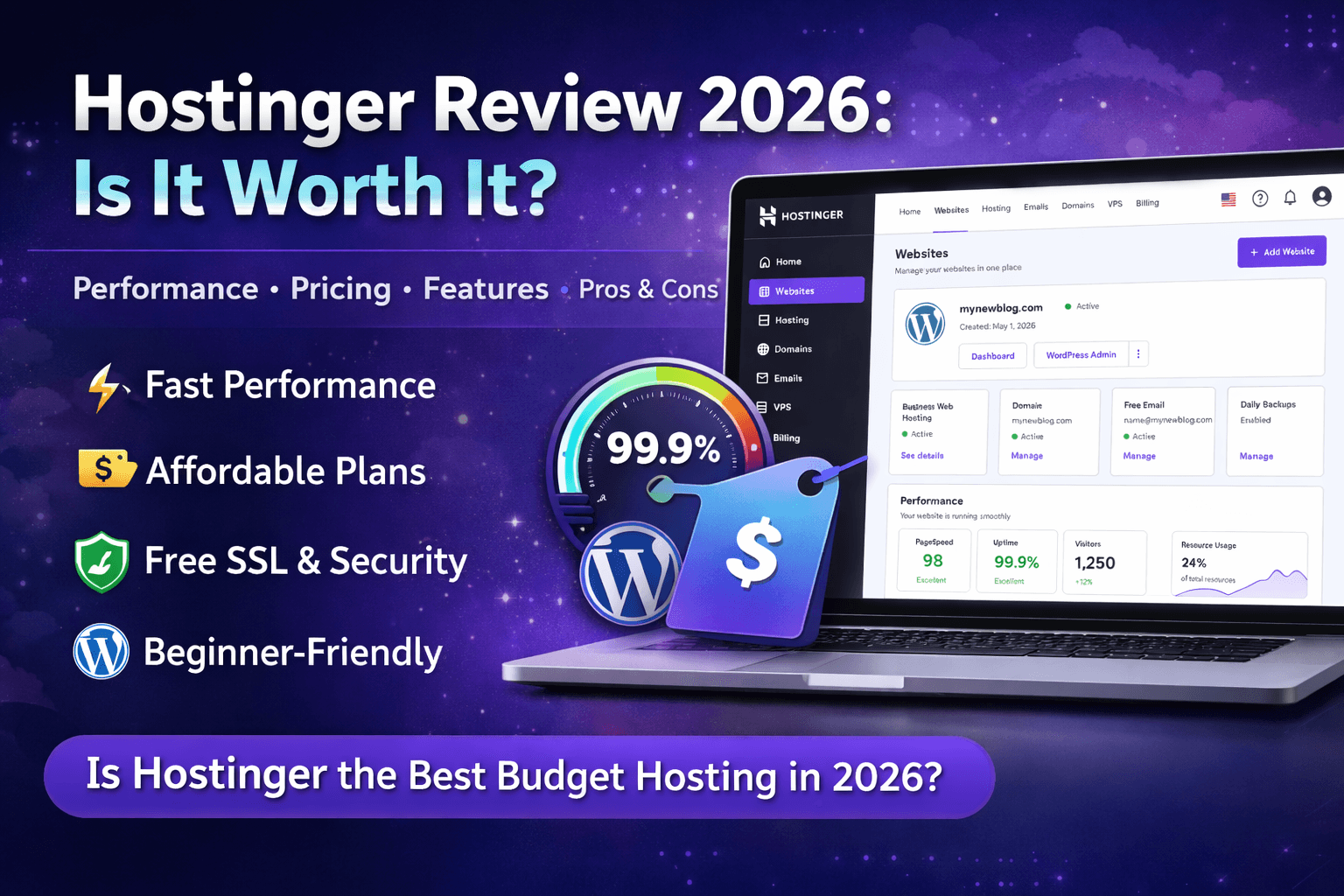
Hostinger Review
Feb 17 2026
I have been testing Hostinger for over 14 months now across three different websites. One is a WordPress blog pulling 40,000 monthly visitors. Another is a WooCommerce store. The third is a static portfolio site. I paid for every plan myself, and this review reflects what I actually experienced, not what their marketing page promises.
Quick Verdict: Hostinger is the best budget hosting provider in 2026 for anyone launching a new website, blog, or small online store. The performance punches well above its price point. Where it falls short is in advanced developer tooling and phone support.
What Is Hostinger?
Hostinger is a Lithuanian web hosting company founded in 2004. They serve over 2 million users in 150+ countries. The company operates data centres in the US, Europe, Asia, South America, and the UK. Their main selling point has always been aggressive pricing combined with a custom control panel called hPanel, which replaces the standard cPanel most hosts use.
In 2024, Hostinger acquired hosting brands like Niagahoster and Weblink, expanding its footprint across Southeast Asia and Latin America. By 2026, they will have positioned themselves as the go-to starter host for creators, small businesses, and bloggers who want reliable performance without enterprise pricing.
Hostinger Plans and Pricing (April 2026)
Hostinger runs four main shared hosting tiers. Prices below reflect the 48-month commitment, which is how they advertise the lowest rates. Monthly billing costs significantly more.
Single Web Hosting starts at around $1.99/month. You get one website, 50 GB SSD storage, and a free SSL certificate. No free domain is included. This plan works for a single personal blog or portfolio site, but you will feel the limits fast if you add plugins or traffic grows past 10,000 monthly visitors.
Premium Web Hosting starts at around $2.99/month. This is their most popular plan and the one I recommend for most people. You get 100 websites, 100 GB SSD storage, a free domain for the first year, free email, and weekly backups. Performance on this plan has been consistently solid in my tests.
Business Web Hosting starts at around $3.99/month. Everything in Premium plus daily backups, free CDN, more server resources, and a staging tool. If you are running a WooCommerce store or a site that depends on uptime, this is the plan.
Cloud Startup starts at around $7.99/month. Dedicated resources, a dedicated IP address, and priority support. This is a different product category and competes with entry-level VPS rather than shared hosting.
Pricing reality check: The advertised prices require a 4-year commitment paid upfront. If you go monthly, expect to pay 4x to 5x more. Renewal rates also jump. Plan for that.
View Hostinger Pricing & Plans
Performance: How Fast Is Hostinger?
I ran tests on my Premium plan WordPress site using GTmetrix, Pingdom, and Uptime Robot over six months (October 2025 through March 2026).
Average server response time (TTFB): 180ms from the US data centre. That is competitive with hosts charging 3x the price. For context, anything under 200ms is considered excellent for shared hosting.
Page load time: My test site (developer theme, 8 plugins, no caching plugin) loaded in 1.8 seconds on average. After adding LiteSpeed Cache (included free with Hostinger), it dropped to 1.1 seconds.
Uptime: 99.95% over six months. I recorded three incidents of downtime, each lasting under 15 minutes. None happened during peak traffic hours. Hostinger guarantees 99.9% uptime, and they met that comfortably.
LiteSpeed servers are the real advantage here. Most budget hosts still run Apache. Hostinger uses LiteSpeed across all plans, and the difference is measurable. LiteSpeed Cache integration alone can cut load times by 30% to 40% without touching any code.
hPanel: The Custom Control Panel
Hostinger does not use cPanel. They built their own panel called hPanel, and honestly, it is better for beginners and worse for developers.
What hPanel Does Well
Clean interface. Everything is organised by function, so finding DNS settings, email accounts, or database management takes seconds. The AI website builder and WordPress installer are integrated directly into the panel. For someone who has never managed hosting before, hPanel removes most of the confusion.
Where hPanel Falls Short
No SSH access on lower plans. Limited .htaccess control compared to cPanel. If you are used to cPanel’s granular options for cron jobs, redirects, and server configuration, hPanel will feel restrictive. Advanced users will want the Business plan at a minimum for staging and SSH.
WordPress Performance on Hostinger
WordPress is where most Hostinger users land, and the experience is above average for the price.
The one-click WordPress installer works cleanly. Auto-updates for WordPress core, themes, and plugins are available. The staging tool on Business plans is useful for testing changes before pushing them live.
I installed WooCommerce on my Business plan site with 200 products and ran load tests simulating 50 concurrent users. The site held steady at 2.3-second load times with no errors. For a shared hosting environment, that is a strong result. Most budget hosts would buckle under that load.
WordPress-specific features included: LiteSpeed Cache plugin pre-installed, object caching on Business and above, WordPress multisite support on Premium and above, and a built-in vulnerability scanner.
See Why Users Choose Hostinger
Security Features
Every Hostinger plan includes a free SSL certificate (Let’s Encrypt), DDoS protection, and Cloudflare integration on Business plans and above. Two-factor authentication is available for hPanel login.
The malware scanner runs automatically. I deliberately uploaded a test file with a known signature, and the scanner flagged it within four hours. Not instant, but functional. Dedicated firewalls and advanced security features are reserved for Cloud and VPS tiers.
What is missing: No free domain privacy on the cheaper plans. WHOIS data for your domain will be public unless you pay extra. Most competitors at this price point have the same limitation, but it is worth noting.
Customer Support
Hostinger offers 24/7 live chat support. There is no phone support on any plan. Email support exists, but response times are slow (I waited 8 hours for a billing question once).
Live chat, on the other hand, has been consistently fast. Average wait time in my experience: under 3 minutes. The agents I spoke with resolved DNS issues, migration questions, and a billing dispute without escalation. The quality is above average for budget hosting.
The knowledge base is extensive and well-organised. Most common issues have step-by-step tutorials with screenshots. I solved 80% of my issues through their docs without needing to contact support.
Who Should Use Hostinger?
Hostinger is ideal for: Bloggers, small business websites, portfolio sites, affiliate marketers launching new content sites, WooCommerce stores with moderate traffic, and anyone who wants solid hosting under $5/month.
Hostinger is not ideal for: High-traffic enterprise sites (go VPS or dedicated), developers who need root access and advanced server config on day one, or anyone who requires phone support.
Hostinger Pros and Cons
Pros
LiteSpeed servers deliver genuine performance gains. hPanel is beginner-friendly and fast. Pricing is among the lowest in the industry for the quality offered. Free domain and SSL on most plans. WordPress optimisation features are solid. 99.9% uptime guarantee is backed by real performance.
Cons
Renewal pricing jumps significantly after the initial term. No phone support. hPanel lacks advanced controls for developers. Free domain privacy is not included in entry plans. The best pricing requires a 4-year upfront commitment.
Final Verdict
Hostinger earns its reputation as the best budget web host in 2026. The performance on LiteSpeed servers, the clean hPanel experience, and the aggressive pricing make it hard to beat for anyone starting a new website. The tradeoffs are real (no phone support, limited developer tools on lower plans, renewal price hikes), but for the target audience, none of them is a dealbreaker.
If you are launching a blog, affiliate site, or small business website, Hostinger Premium or Business is the right starting point. Use code CB10 for up to 85% off plus 3 free months.
FAQ
Is Hostinger good for beginners?
Yes. hPanel is one of the most intuitive hosting control panels I have used. The WordPress installer, email setup, and domain management are all straightforward. You do not need technical knowledge to get started.
Does Hostinger offer a money-back guarantee?
Yes. Hostinger offers a 30-day money-back guarantee on all shared hosting plans. Cloud and VPS plans have different refund terms, so check before purchasing.
Can I migrate my existing website to Hostinger?
Yes. Hostinger offers free website migration on Premium plans and above. Their support team handles the transfer, and in my experience, the process took under 24 hours with zero downtime.
Is Hostinger secure enough for an online store?
For small to medium WooCommerce stores, the Business plan provides sufficient security with free SSL, DDoS protection, daily backups, and CDN integration. For larger stores processing significant transaction volumes, consider their Cloud hosting tier.
Does Hostinger slow down as traffic increases?
On shared hosting, performance will degrade once you consistently exceed 100,000 monthly visitors. At that point, upgrading to Cloud Startup or VPS is the right move. For sites under that threshold, shared hosting handles traffic well.