
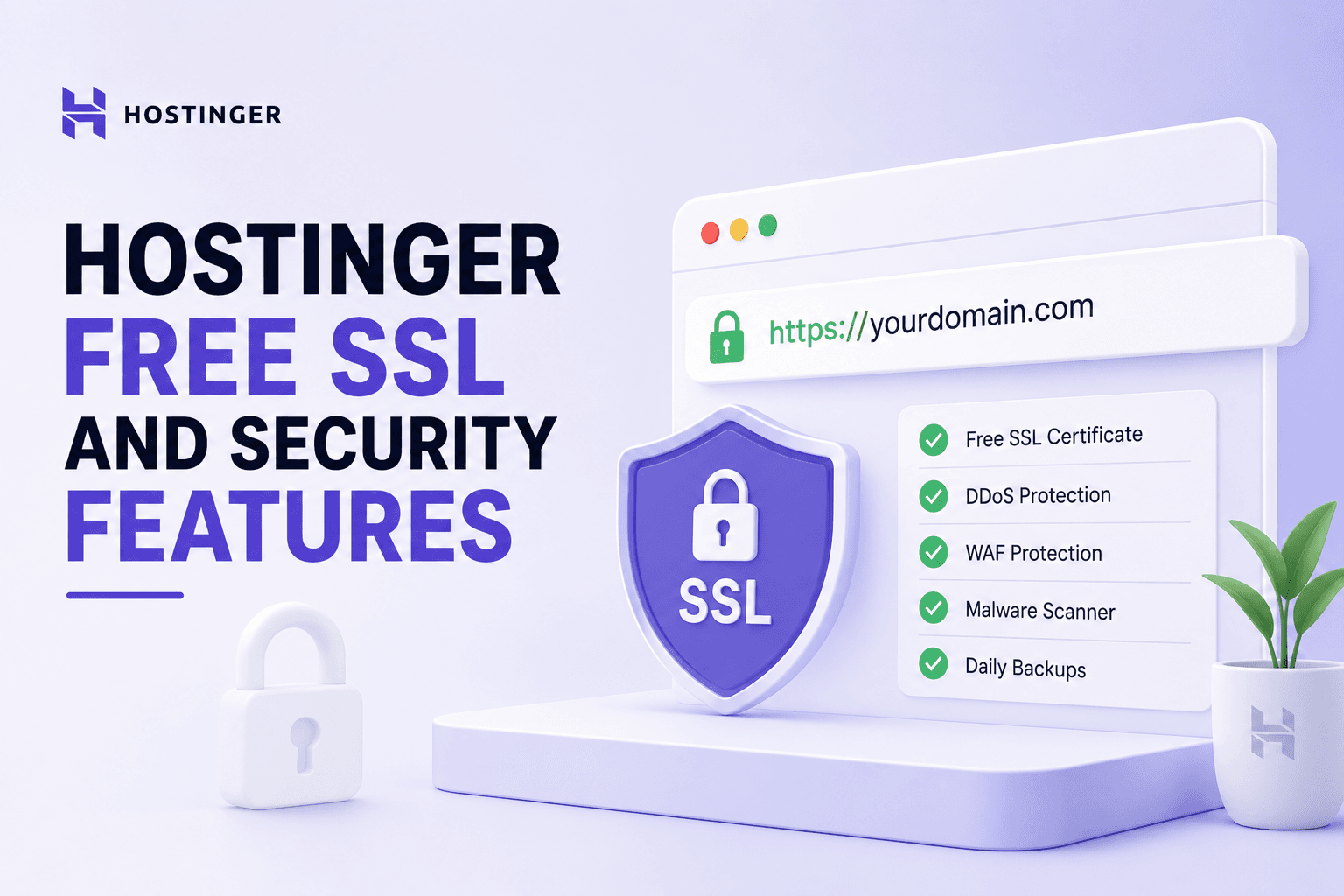
Hostinger Free SSL and Security Features
May 06 2026
Security is the part of hosting nobody thinks about until something breaks. Before recommending Hostinger to anyone, I went through its security stack on my own accounts, issued the free SSL, tested the backups, and checked what protection comes included versus what costs extra. Here is what you actually get.
Short version. Hostinger covers the security basics well for the price: free SSL on every plan, a web application firewall, malware scanning, DDoS protection, and automatic backups. It is solid foundational security, not enterprise grade, and the backup frequency depends on your plan.
Free SSL on every plan
Every Hostinger plan includes a free SSL certificate. SSL encrypts the connection between your visitor and your site, turns on HTTPS, and shows the padlock in the browser. Without it, browsers flag your site as not secure, which scares off visitors and hurts rankings. Google has treated HTTPS as a signal for years, documented in its HTTPS ranking post.
Issuing the certificate
After your domain points to Hostinger, you issue the SSL from hPanel. It took under a minute on my sites and applied automatically. If you migrated in, issuing SSL after the DNS switch is a step people forget, which I flag in my migration guide.
Web application firewall
Hostinger includes a web application firewall that filters malicious traffic before it reaches your site. It blocks common attack patterns like SQL injection and cross site scripting, which are the kinds of threats listed in the OWASP Top Ten. For a normal site, this handles the bulk of automated attacks without you doing anything.
Malware scanning
The Monarx malware scanner runs on Hostinger servers, checking for malicious files and known threats. It runs in the background and flags problems. It is not a full security suite like a dedicated WordPress security plugin, so for a high value site I would layer additional protection on top.
Get started with secure hosting today.
DDoS protection
Hostinger includes DDoS protection at the network level to absorb traffic floods that try to knock your site offline. This runs automatically and you do not configure it. For most sites this is invisible until the day it matters.
Automatic backups
Plan | Backup frequency |
Premium | Weekly |
Business | Daily |
Cloud | Daily |
Backup frequency is where your plan choice matters. Premium backs up weekly, which means up to seven days of data at risk between backups. Business and Cloud back up daily. I tested a restore on Business and it brought the site back in a few minutes. If your site changes often, the daily backup on Business is worth the upgrade.
Two factor authentication
You can turn on two factor authentication for your Hostinger account login, which stops someone getting in with just a stolen password. Turn this on immediately. Account takeover is one of the most common ways hosting gets compromised, and 2FA closes that door.
What is not included
• Premium plan backups are only weekly, not daily.
• The malware scanner is basic compared to a dedicated security plugin.
• Advanced security features expect you to add them yourself, especially on VPS.
Security on VPS plans
If you run a VPS, more of the security is on you because you have root access and control. You manage the firewall, updates, and hardening yourself. I cover this in the Hostinger VPS review. Shared and Cloud plans handle far more for you.
See what's possible with Hostinger.
My verdict on security
For a normal blog or business site, Hostinger's included security is enough: free SSL, a firewall, malware scanning, and DDoS protection cover the common threats. Pick Business or above for daily backups, turn on two factor authentication, and add a security plugin if the site is high value. The full host review is at Hostinger review, and the current discount is on my Hostinger coupon code page.
How SSL affects SEO and trust
Beyond encryption, SSL affects how your site is seen. Browsers mark sites without it as not secure, which scares visitors off before they read a word. Google has used HTTPS as a ranking signal for years. So SSL is both a trust and a ranking matter, and since Hostinger includes it free, there is no reason any site should run without it. Issue it the moment your domain points to Hostinger.
Keeping WordPress itself secure
Host level security protects the server, but your WordPress install needs care too. Keep core, themes, and plugins updated, because outdated plugins are the most common way WordPress sites get compromised. Delete plugins and themes you do not use. Use strong passwords and limit login attempts. The host secures the building; you still lock your own door.
Reading the security logs
hPanel surfaces security information so you can see what the firewall and malware scanner are doing. Checking this occasionally tells you whether anything is being blocked or flagged. Most of the time it is quiet, which is the point, but knowing where to look means you are not blind if something does go wrong.
Restoring from a backup
The real test of any backup system is the restore. I deliberately broke a test site and restored it from a Hostinger backup, and it came back in a few minutes on the Business plan. Knowing the restore works, and roughly how long it takes, is worth testing before you ever need it for real. A backup you have never restored is a backup you do not fully trust.
Turn your idea into a live website in minutes.
My security recommendations
For a normal site on Hostinger, do four things and you cover the vast majority of risk. Turn on two factor authentication for your account. Choose Business or above so you get daily backups. Keep WordPress and its plugins updated. Add a reputable security plugin if the site handles anything valuable. The included free SSL, firewall, and malware scanning handle the rest. None of this is expensive or difficult, and skipping it is how avoidable disasters happen.
Protecting customer data on a store
If you run a store, you handle customer details and payment information, which raises the stakes. SSL is mandatory, not optional, for any site taking payments. Card data itself is handled by your payment gateway like Stripe or PayPal rather than stored on your host, which keeps the heaviest compliance burden off you. Your job is to keep the site secure and the connection encrypted, and the included Hostinger features plus a security plugin cover that for a typical small store.
Staying ahead of threats
Security is not a one time setup. New plugin vulnerabilities appear constantly, and an abandoned site with outdated software is an easy target. Spend a few minutes a month checking for updates, reviewing the security logs, and confirming your backups are running. A site you actively maintain is far harder to compromise than one left untouched for a year. The host gives you the tools, but staying current is the habit that actually keeps you safe.
Frequently asked questions
Does Hostinger include free SSL?
Yes, every Hostinger plan includes a free SSL certificate. You issue it from hPanel after your domain points to Hostinger, and it turns on HTTPS.
Does Hostinger have a firewall?
Yes. A web application firewall filters malicious traffic and blocks common attacks like SQL injection and cross site scripting before they reach your site.
How often does Hostinger back up my site?
Weekly on Premium, daily on Business and Cloud. If your site changes often, the daily backup on Business is worth the upgrade.
Does Hostinger protect against DDoS attacks?
Yes, network level DDoS protection is included and runs automatically to absorb traffic floods that try to take your site offline.
Should I add extra security on Hostinger?
Turn on two factor authentication immediately. For a high value site, add a dedicated security plugin on top of the included malware scanner.