
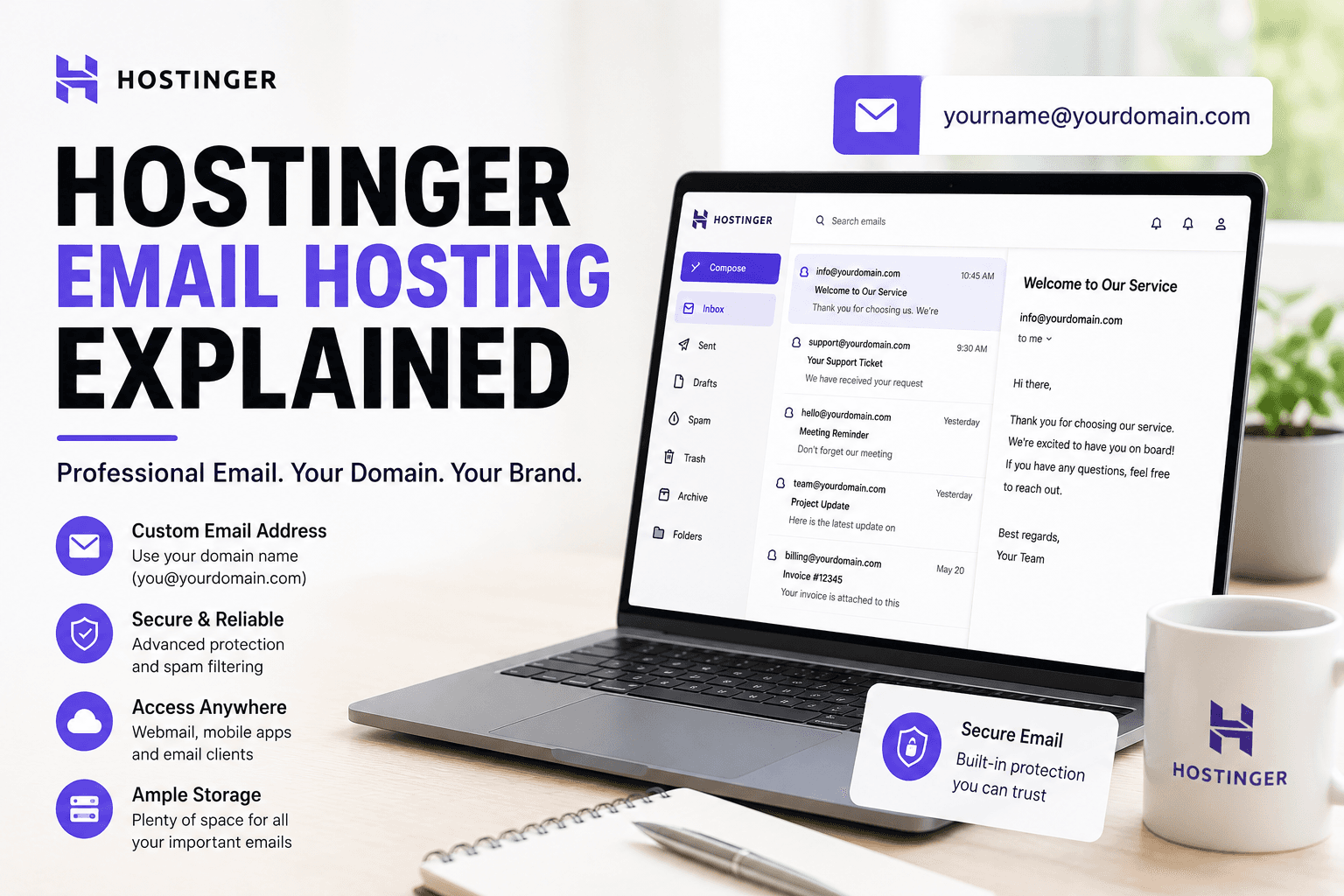
Hostinger Email Hosting Explained
Apr 18 2026
Email hosting and email marketing are two different products, and people mix them up. This page is about business email, the kind that gives you name@yourdomain.com. I set up email accounts on Hostinger across two domains and ran them as my working inbox for a few weeks. Here is how it holds up and which option you should pick.
Quick answer. Hostinger's email hosting is fine for a small business that wants professional addresses on its own domain without paying for Google Workspace. It is not a full productivity suite, so if you need shared calendars and deep collaboration, look elsewhere.
Email hosting vs email marketing
Email hosting gives you mailboxes on your domain. Email marketing sends campaigns to a subscriber list. Hostinger offers both as separate products. If you want to run newsletters and campaigns, that is the marketing tool I cover in the Hostinger email marketing review. This page is mailboxes.
Your email options on Hostinger
Option | Best for | Approx price |
Free email (with hosting) | Basic needs on a budget | Included on plans |
Business Email | Small businesses | ~$0.99/mailbox/mo |
Enterprise Email | Larger storage needs | ~$2.49/mailbox/mo |
Google Workspace | Full productivity suite | ~$6/user/mo |
Explore hosting solutions built for growth.
Hostinger resells Google Workspace too, so if you decide you want the full suite you can buy it through the same dashboard. For most small sites, Business Email is the value pick.
Free email included with hosting
Most hosting plans include free email accounts on your domain. The free tier has limited storage and basic features, but it gets you a professional address at no extra cost. For a new site that just needs a contact address, this is enough to start.
Business Email features
Business Email steps up storage to around 10 GB per mailbox, adds antivirus and spam filters, and includes mobile and desktop app support over IMAP and POP3. I ran a mailbox on it for a few weeks and deliverability was clean, with no messages landing in spam on the receiving end during testing.
Setting it up
Setup took me under ten minutes. You create the mailbox in hPanel, set the DNS records, which Hostinger can do automatically if the domain is with them, and then connect it to your mail app. The MX, SPF, and DKIM records are what make email deliver reliably, and the Cloudflare email DNS guide explains what each one does.
Webmail and apps
You get a webmail interface for browser access, and you can connect Outlook, Apple Mail, or Gmail's app using IMAP. I connected mine to a desktop client without trouble. The webmail is functional rather than polished, which is fine for occasional use.
Deliverability and security
Proper SPF, DKIM, and DMARC records are what keep your email out of spam folders. Hostinger sets the basics automatically when the domain is hosted with them. If you host email here but the domain elsewhere, you configure these records manually, and getting them right is the difference between inbox and junk.
When to choose Google Workspace instead
If you need shared calendars, Docs, Drive, and Meet, Hostinger's own email is not the answer and Google Workspace is. Hostinger sells it, so you can buy it through the same account. Pick Hostinger email when you want cheap professional addresses, and Workspace when you want a full collaboration suite.
Discover the easiest way to launch your website.
Who should use Hostinger email hosting
• Small businesses wanting professional addresses cheaply.
• Site owners who already host with Hostinger and want email bundled.
• Anyone who needs mailboxes but not a full productivity suite.
My verdict
For professional email on your own domain at a low price, Hostinger Business Email does the job and deliverability was clean in my testing. If you need real collaboration tools, buy Google Workspace instead. Either way you can manage it from the same hPanel. See the full host review at Hostinger review and the current discount on my Hostinger coupon code page.
Storage and account limits
Free email with hosting gives you limited storage, usually enough for light use. Business Email steps up to around 10 GB per mailbox, and Enterprise Email higher still. If you keep years of mail with attachments, the free tier fills up and you will want a paid mailbox. Match the tier to how much mail you actually keep, not to the cheapest option by default.
Migrating existing email in
If you already have email elsewhere, you can move it to Hostinger. Set up the new mailboxes first, import old messages over IMAP, and only switch the MX records once everything is in place. Switching MX before the mailboxes are ready bounces incoming mail, which is the most common email migration mistake and an avoidable one.
Spam filtering and antivirus
Business Email includes spam filtering and antivirus scanning. In my testing the spam filter caught obvious junk without burying real mail, which is the balance you want. No filter is perfect, so check the spam folder occasionally for false positives, especially in the first weeks while it learns your normal traffic.
Using email on mobile and desktop
You connect Hostinger email to any standard mail app over IMAP, which keeps messages synced across your phone, laptop, and webmail. I connected mine to a desktop client and a phone, and the sync was reliable. IMAP is the right choice over POP3 for most people because it keeps everything consistent across devices rather than downloading mail to one machine.
My experience with deliverability
Deliverability is the thing that actually matters with business email, and it comes down to the DNS records being right. When I let Hostinger configure SPF and DKIM automatically for a domain hosted with them, my test messages landed in the inbox, not spam. When email is hosted in one place and the domain in another, you set those records by hand, and getting them wrong is the usual reason business email lands in junk. Take the time to verify them.
Turn your idea into a live website in minutes.
Email forwarding and aliases
You can set up forwarding so mail to one address lands in another, and create aliases like sales@ and support@ that all feed one mailbox. This is useful for a small business that wants several public addresses without paying for several mailboxes. I set up a couple of aliases in hPanel in a few minutes, and they routed correctly in testing. It keeps your costs down while looking more established to customers.
When your email needs outgrow Hostinger
Hostinger email suits a small team that needs professional addresses and reliable delivery. You will outgrow it when you need shared calendars, collaborative documents, large shared drives, or video meetings built in. At that point Google Workspace or Microsoft 365 is the better home, and since Hostinger resells Workspace, you can move up without leaving the dashboard. Match the tool to how your team actually works rather than to the lowest price.
Frequently asked questions
Does Hostinger include free email?
Yes, most hosting plans include free email accounts on your domain with limited storage. It is enough for a basic contact address on a new site.
What is the difference between Hostinger email hosting and email marketing?
Email hosting gives you mailboxes on your domain. Email marketing sends campaigns to a subscriber list. They are separate Hostinger products.
Is Hostinger Business Email good?
Yes for small businesses. It offers around 10 GB per mailbox, spam and virus filtering, and app support. Deliverability was clean in my testing.
Can I use Google Workspace with Hostinger?
Yes. Hostinger resells Google Workspace, so you can buy and manage it through the same dashboard if you need the full suite.
How do I stop Hostinger email going to spam?
Set correct SPF, DKIM, and DMARC DNS records. Hostinger configures these automatically when the domain is hosted with them; otherwise you set them manually.